Slack Second Brain
What it is
A team-memory pattern that extracts decisions and useful context from channels into a shared knowledge layer.
Operating shape
- Difficulty:
advanced - Cadence:
daily - Category:
team-memory
Core concepts
- Slack Second Brain
- Memory
- Knowledge Curation
- Privacy
- Retention
Source evidence
plugin:platforms/slack— Explicit Source Map scope boundary: The platform plugin is outside the approved Core scope.
Related articles
- Seven Cost-Aware Hermes Workflows That Go Beyond Chat
- Building a Personal AI System with Hermes, Local Models, Automation, and a Shared Knowledge Base
Implementation pattern
Outcome
Connect Hermes to one bot-invited Slack test channel with explicitly allowlisted users, then run a custom, review-first capture routine that turns selected decisions and action items into a provenance note without silently writing memory.
Before you start
- Understand the boundary: Slack is a supported Hermes gateway platform; the “second brain” capture policy in this lab is a custom workflow, not a built-in Slack automation or knowledge-base product.
- Use a test workspace/channel and synthetic messages. Record your Slack Member ID; obtain tokens only after the app is installed.
- Turn memory review on from a trusted local Hermes session with
/memory approval on; invite the bot only to the test channel.
Input and output contract
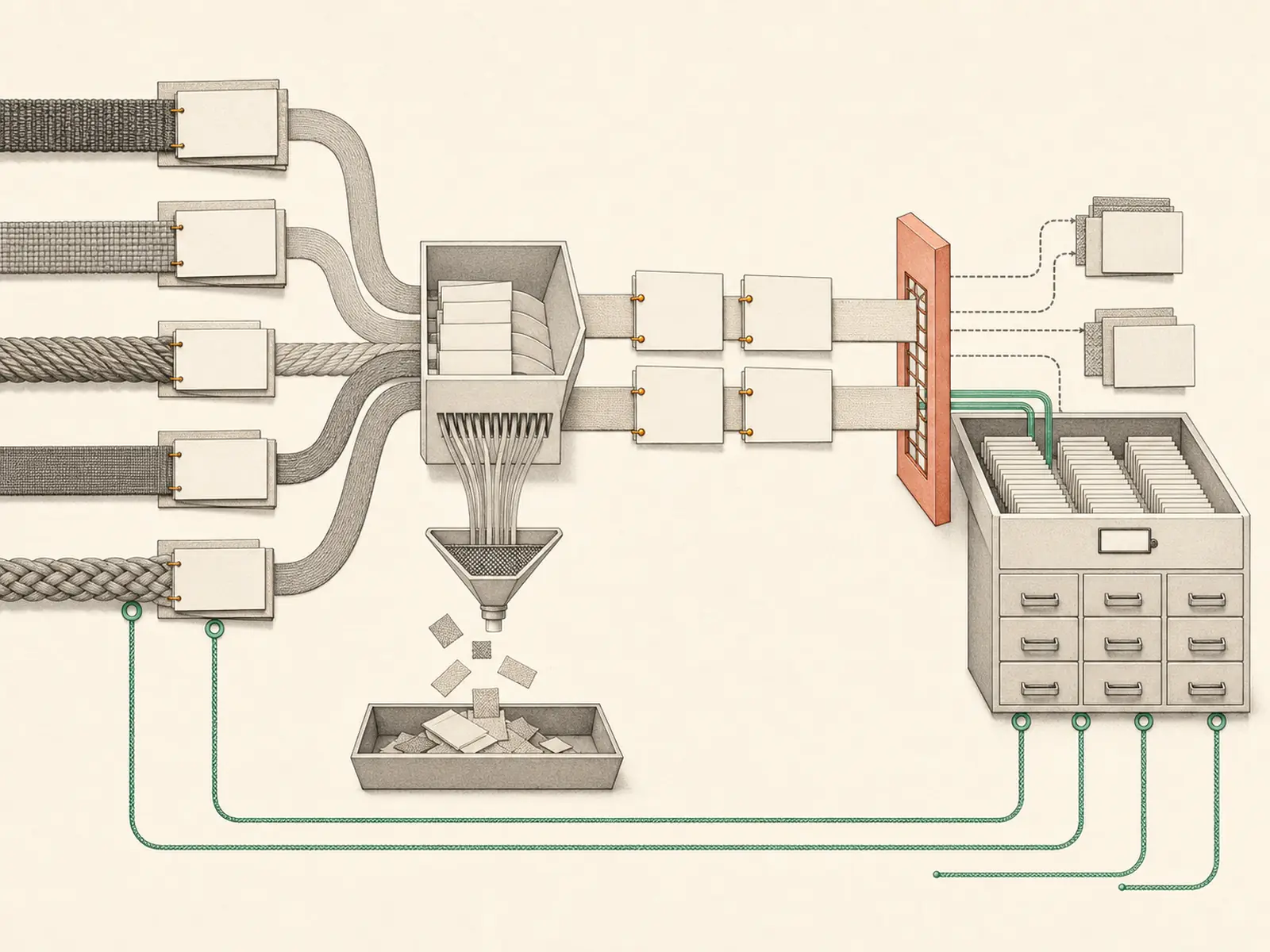
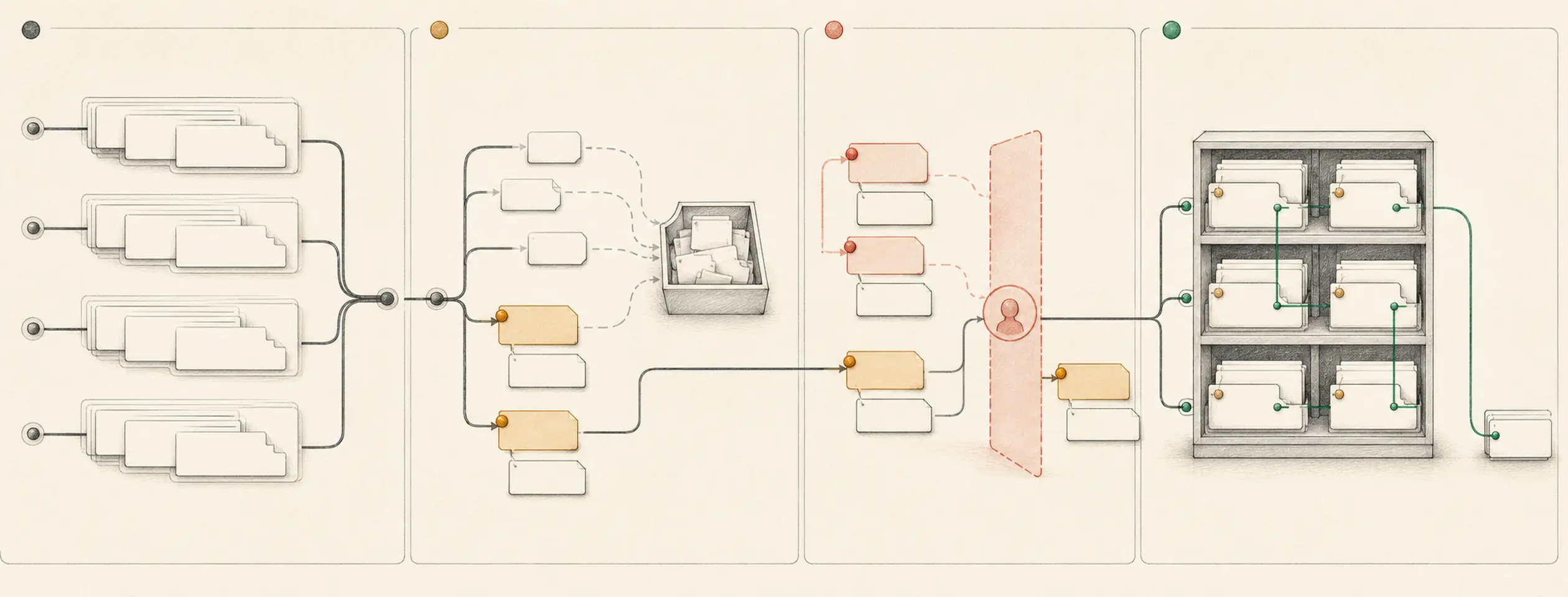
Input is only messages that explicitly mention the bot in the allowlisted channel during a named time window. Output is a draft note with message permalink/ID, author, timestamp, verbatim decision or action, owner, due date or unknown, and capture reason. General chatter, private channels, DMs, files, and earlier history are excluded. Memory writes remain pending until a human approves them.
STATUS: PENDING REVIEW
- Decision: Use the staging fixture first
  Source: <Slack message permalink or ID>, <timestamp>, <author>
  Owner: unknown
  Due: unknown
Build it
First generate the supported manifest:
hermes slack manifest --writeThis command only writes ~/.hermes/slack-manifest.json; it does not
create, install, authorize, or configure a Slack app. In
Slack’s app backend, choose Create New App →
From an app manifest, select the test workspace, paste that JSON, review it,
and create the app. The generated manifest enables Hermes’ complete Slack
feature surface and is broader than this small lab.
For a manual least-privilege public-channel version of this fixture, use only
bot scopes chat:write, app_mentions:read, channels:history,
channels:read, and users:read, and subscribe only to app_mention and
message.channels. This reduced app will not expose Hermes’ complete DM,
private-channel, file, or native slash-command feature set. Do not add those
capabilities unless the test needs them.
In either path, enable Socket Mode, create an app-level token with only
connections:write, install the app to the test workspace, and copy the
resulting xapp- and xoxb- tokens once. Then configure the test identity and
start in the foreground:
hermes gateway setup
hermes gateway
In hermes gateway setup, select Slack and enter the two tokens plus only your
Member ID in SLACK_ALLOWED_USERS. In Slack, open the test channel and run
/invite @<your-test-bot>; Hermes never auto-joins a channel.
In the test channel, post two synthetic messages—one explicit decision and one piece of chatter—then mention the bot with: Capture only explicit decisions and assigned actions from this test thread. Return a PENDING REVIEW note with message provenance; ignore chatter; do not save memory yet.
Expected output contains the decision, excludes chatter, and carries a source identifier. Review staged memory with /memory pending; approve the correct entry or reject it with /memory reject <id>.
Verify it
- An allowlisted member can mention the bot; an unlisted member cannot obtain an agent response.
- The note contains the exact source message ID/permalink, author, and timestamp.
- The chatter fixture is absent, and missing owner/due date is
unknownrather than inferred. /memory pendingshows any proposed memory write before persistence; reject one test item to prove the gate.- A message in a channel where the bot is not invited is not ingested.
hermes gateway statusshows the intended profile and Slack platform; no test requires a public HTTP endpoint because Socket Mode uses WebSockets.
If it fails
- If the bot receives no channel events, verify the documented OAuth scopes, event subscriptions, Socket Mode token, and channel invitation.
- If an unauthorized user receives a response, stop the gateway, repair
SLACK_ALLOWED_USERS, rotate exposed tokens, and repeat the negative test. - If chatter is captured, tighten the custom selection rule and discard the note; this is not an automatic built-in curation guarantee.
- If provenance is unavailable, leave the item out rather than creating an unsourced memory.
- If import or install fails, return to Slack’s App Manifest or OAuth & Permissions page; rerunning
manifest --writecannot install or repair the Slack-side app.
Safety, privacy, and cost
Slack tokens are secrets. Use the smallest workspace/channel scope, explicit Member-ID allowlists, and a synthetic test channel; do not enable allow-all. Respect workspace retention, consent, and employee-monitoring rules before reading real conversations. Every agent response can incur model cost, so capture only on explicit mention and keep memory approval enabled. End with Ctrl-C and confirm the Gateway stopped. For a disposable app, uninstall it from the test workspace, revoke the app-level and bot tokens in Slack, and remove the test-only token values from Hermes’ local secret configuration. Do not represent this custom capture routine as a built-in archival or compliance system.