Cost-Aware Automation
What it is
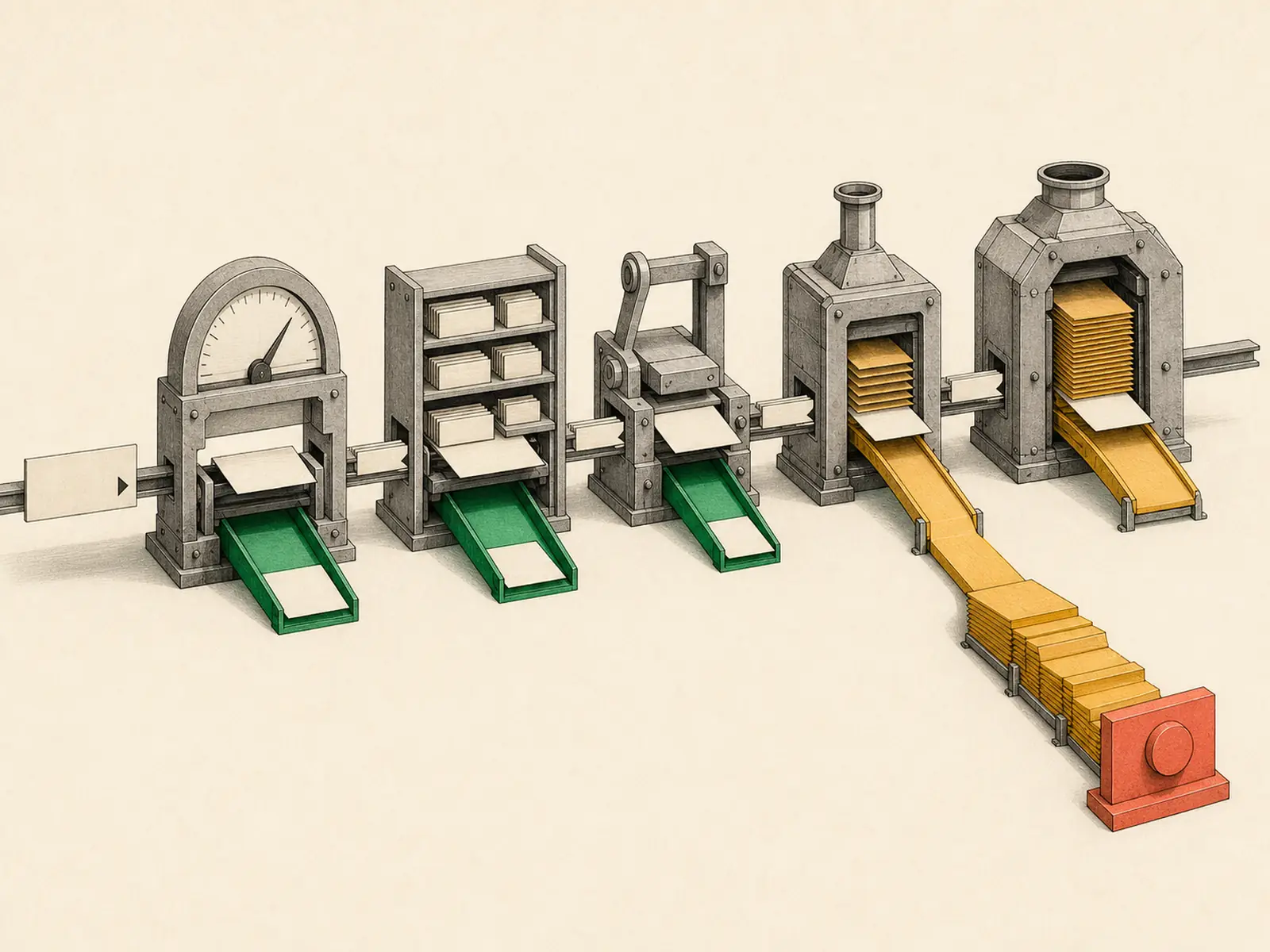
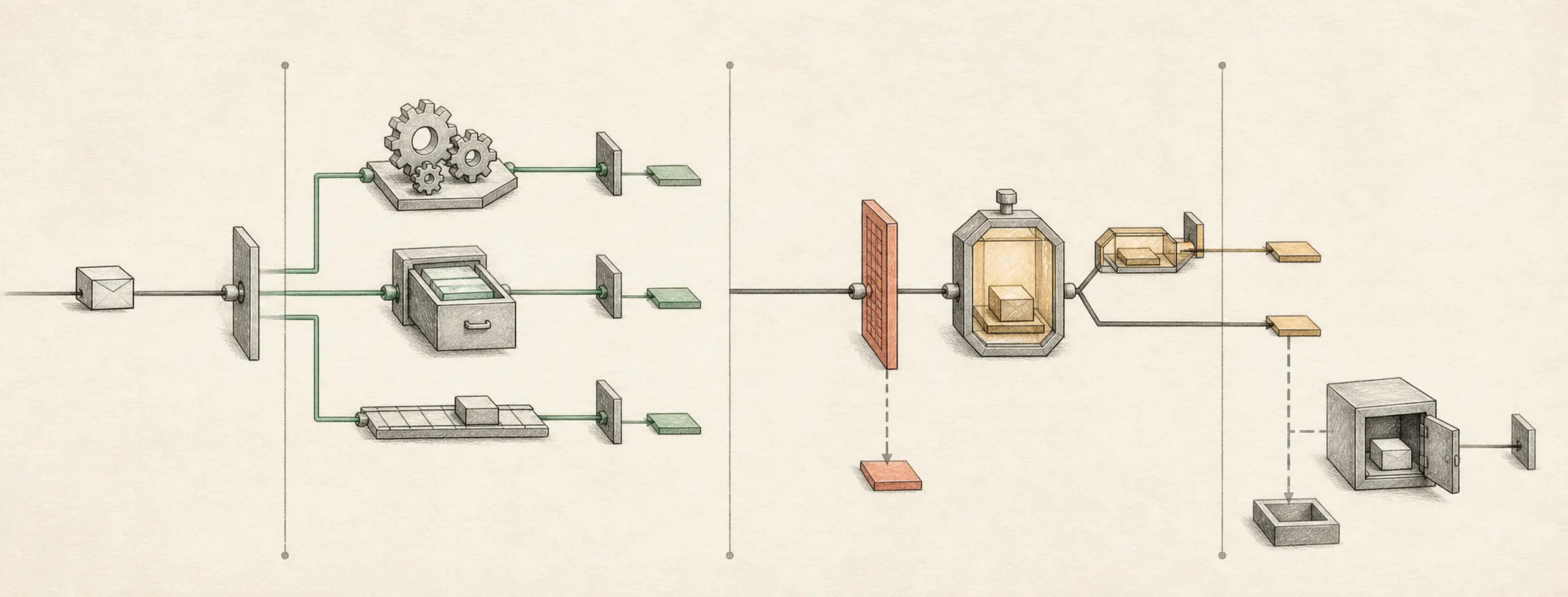
A workflow design pattern that avoids unnecessary model calls with thresholds, no-model checks, and narrow prompts.
Operating shape
- Difficulty:
advanced - Cadence:
continuous - Category:
operations
Core concepts
- Cost Control
- Wake Conditions
- No-Model Jobs
- Monitoring Jobs
- Provider Switching
Source evidence
vendor/hermes-agent/toolsets.py#<file>— Structural Source Map fallback for toolsets.py. A core source file in the Tool Registry and Toolsets structure within Tools, Toolsets, and MCP.
Related articles
- Seven Cost-Aware Hermes Workflows That Go Beyond Chat
- How to Use Hermes Better Than Most People: Architecture, Project Isolation, and Scalable Workflows
Implementation pattern
Outcome
Run a deterministic threshold monitor in cron’s no-agent mode so normal ticks are silent, threshold ticks deliver a literal script message, and no agent or model is invoked on any tick.
Before you start
- Use a disposable
~/.hermes/scriptstest script and local delivery first. - Choose a numeric metric that a shell script can decide without interpretation. The fixture uses
metric.txtand threshold85. - Do not add a prompt or skill: this workflow is intentionally script-only, no-agent, and no-model.
- The built-in scheduler runs inside the Gateway. Before creating the job,
hermes cron statusmust report a running Gateway and a healthy, recent ticker heartbeat; stop if it reports stopped, stalled, or failing ticks.
Input and output contract
Input is one integer in metric.txt. For values below 85, the script exits 0 with empty stdout and delivery is silent. For values 85 or above, stdout is exactly ALERT metric=<value> threshold=85. Invalid input exits non-zero so cron records an error. The script makes no network call and invokes no model.
metric.txt = 42  -> empty stdout, no delivery, zero model calls
metric.txt = 91  -> ALERT metric=91 threshold=85, zero model calls
metric.txt = bad -> non-zero error, zero model calls
Build it
Verify the installation and scheduler first. Then create the disposable input and reviewed script and schedule it with the documented no-agent flag. The fixed path keeps the scheduled run independent of the directory from which the gateway was started.
hermes doctor
hermes gateway status
hermes cron status

mkdir -p "$HOME/hermes-labs/cost-aware-automation" "$HOME/.hermes/scripts"
printf '42\n' > "$HOME/hermes-labs/cost-aware-automation/metric.txt"

cat > "$HOME/.hermes/scripts/metric-watchdog.sh" <<'EOF'
#!/usr/bin/env bash
set -eu
VALUE=$(tr -d '[:space:]' < "$HOME/hermes-labs/cost-aware-automation/metric.txt")
case "$VALUE" in (*[!0-9]*|'') echo "invalid metric" >&2; exit 2;; esac
if [ "$VALUE" -ge 85 ]; then
  printf 'ALERT metric=%s threshold=85\n' "$VALUE"
fi
EOF

chmod +x "$HOME/.hermes/scripts/metric-watchdog.sh"
hermes cron create "every 15m" \
  --no-agent \
  --script metric-watchdog.sh \
  --deliver local \
  --name "metric-watchdog"
hermes cron list
Verify it
- Put
42in the fixture, runhermes cron run metric-watchdog, and confirm the tick is silent. - Put
91in the fixture and run again; local cron output is exactly the expected alert. - Put
badin the fixture; the run records an error rather than a false alert or silent success. - Run
hermes cron list; its entry must showScript: metric-watchdog.shandMode: no-agent (script stdout delivered directly), with no skills listed. These observable fields are the acceptance evidence that Hermes selected the script-only path. - Provider dashboards are optional supporting evidence only: delayed or aggregated counters cannot prove one tick made no model call. The job’s no-agent mode plus its exact script stdout/error artifacts are the required evidence.
- Finish with
hermes cron pause metric-watchdog, thenhermes cron list --all; leave the lab job paused.
If it fails
- If a model call occurs, pause the job, remove it, and recreate it with
--no-agent --script; do not patch around a prompt-driven job. - If low values send messages, ensure the script emits absolutely no stdout on the normal path.
- If errors disappear silently, preserve the non-zero exit and inspect cron output/logs rather than converting failures to exit 0.
- Use
hermes cron pause metric-watchdogwhile repairing. Rerun all three fixtures, then pause it again; do not leave this lab job active.
Safety, privacy, and cost
The fixture is non-sensitive and the script does not use the network. Do not echo tokens, customer data, or full environment variables into stdout because delivered output is retained. No-agent mode pipes deterministic script stdout directly to delivery and never touches a model, so each tick has zero model cost; host compute and any external message-provider fees can still exist. Keep local delivery until the alert is proven.