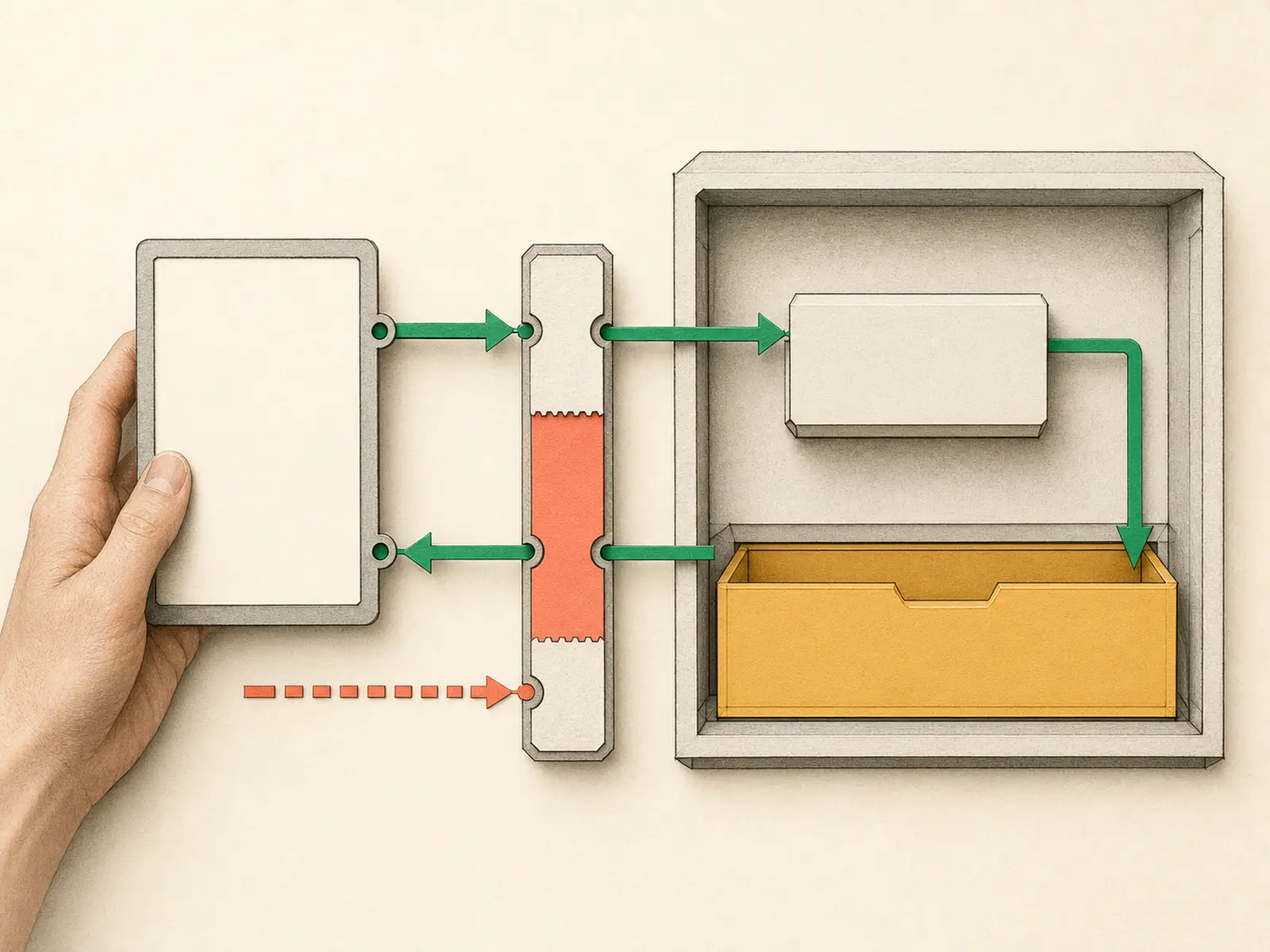
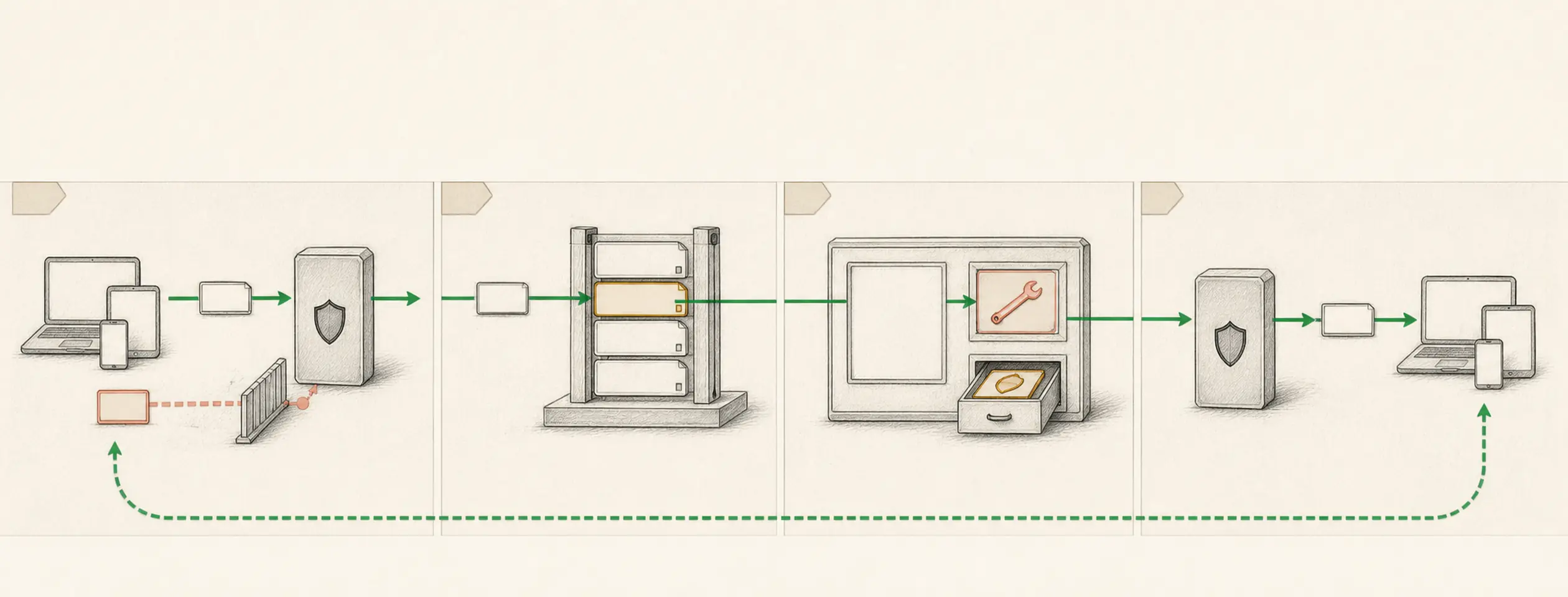
Gateway Mobile Command Center
What it is
A remote-control workflow that routes Telegram or WhatsApp requests into persistent Hermes sessions.
Operating shape
- Difficulty:
intermediate - Cadence:
continuous - Category:
mobile-control
Core concepts
- Gateway
- Telegram Gateway
- WhatsApp Gateway
- Sessions
- Secret Handling
Source evidence
web_server— Explicit Source Map scope boundary: hermes_cli/web_server.py is outside the approved Core scope.
Related articles
- Mastering Hermes Desktop: From Local Chat App to an Always-On Agent Control Center
- Hermes Agent 完整入門:打造安全、可持續成長的私人 AI 助理
Implementation pattern
Outcome
Connect one explicitly allowlisted Telegram account, prove its session survives a clean Gateway restart, deny an unauthorized sender, and cleanly stop the test. Treat WhatsApp as an optional second phase only after Telegram passes.
Before you start
- Complete a normal local Hermes chat before exposing a gateway.
- In BotFather, create a disposable test bot; separately record the authorized account’s numeric user ID. A username is not an allowlist ID.
- Prepare a second Telegram account for the negative test. Never use
*or an allow-all flag. - Treat the Telegram token as a credential, keep it out of shell history and screenshots, and plan to revoke the disposable token after the lab.
Input and output contract
Authorized Telegram input is Remember this session marker only: TELEGRAM-LAB-27. After a clean restart, What is this chat's marker? must return TELEGRAM-LAB-27. An unallowlisted sender must receive no agent/tool access. No external action, file mutation, or cross-chat memory is requested.
Telegram expected: TELEGRAM-LAB-27
Unauthorized expected: no agent response and no tool execution
Build it
Finish Telegram before adding another platform:
hermes gateway setup
hermes gateway
In the setup wizard select Telegram, paste the BotFather token only when
prompted, and enter only the authorized numeric user ID. Start the Gateway in
the foreground. From the authorized account, send the marker and ask for it;
from the unlisted account, send the same request and record that no agent or
tool runs. Press Ctrl-C, confirm hermes gateway status reports stopped, run
hermes gateway again, and ask for the marker once more.
Only after every Telegram check passes, optionally begin Phase 2: install Node.js
18+, use a dedicated test number, run hermes whatsapp, set an explicit
WHATSAPP_ALLOWED_USERS number (never *), restart the foreground Gateway, and
repeat the authorized/unauthorized tests with marker WHATSAPP-LAB-84. Phase 2
is a separate acceptance gate; it is not required to complete the Telegram lab.
Verify it
- Telegram returns only
TELEGRAM-LAB-27before and after the clean restart. - The unlisted Telegram user is ignored or offered only the configured pairing flow, never agent/tool access; inspect redacted logs to confirm no agent run started.
hermes gateway statusreports the intended profile and Telegram after restart.- Review logs without printing tokens or WhatsApp session material.
- End with
Ctrl-Cand confirm stopped status. If you accidentally installed a background service, runhermes gateway stop. Revoke the disposable bot token with BotFather/revoke, remove the test bot from chats, and remove its test-only configuration before using real accounts.
If it fails
- For Telegram, rerun
hermes gateway setupand verify the numeric user ID rather than a username. - Do not troubleshoot WhatsApp until Telegram passes. In optional Phase 2, rerun
hermes whatsappif pairing expired and confirm Node.js 18+ plus the documented saved-session path. - If an unauthorized sender reaches the agent, stop the Gateway immediately, remove allow-all settings, repair the explicit allowlist, rotate the token, and rerun the Telegram negative test.
Safety, privacy, and cost
Use default-deny access control. Telegram bot tokens—and WhatsApp session keys if you choose Phase 2—grant account access and must never enter source control, prompts, screenshots, or diagnostics. Keep destructive tools and public posting behind approval. A running Gateway consumes host resources; model charges occur when authorized messages invoke the agent, so keep tests short and leave no lab service or disposable credential active.