WhatsApp Gateway
What it is
A messaging interface for controlling or receiving Hermes work through WhatsApp.
In plain terms
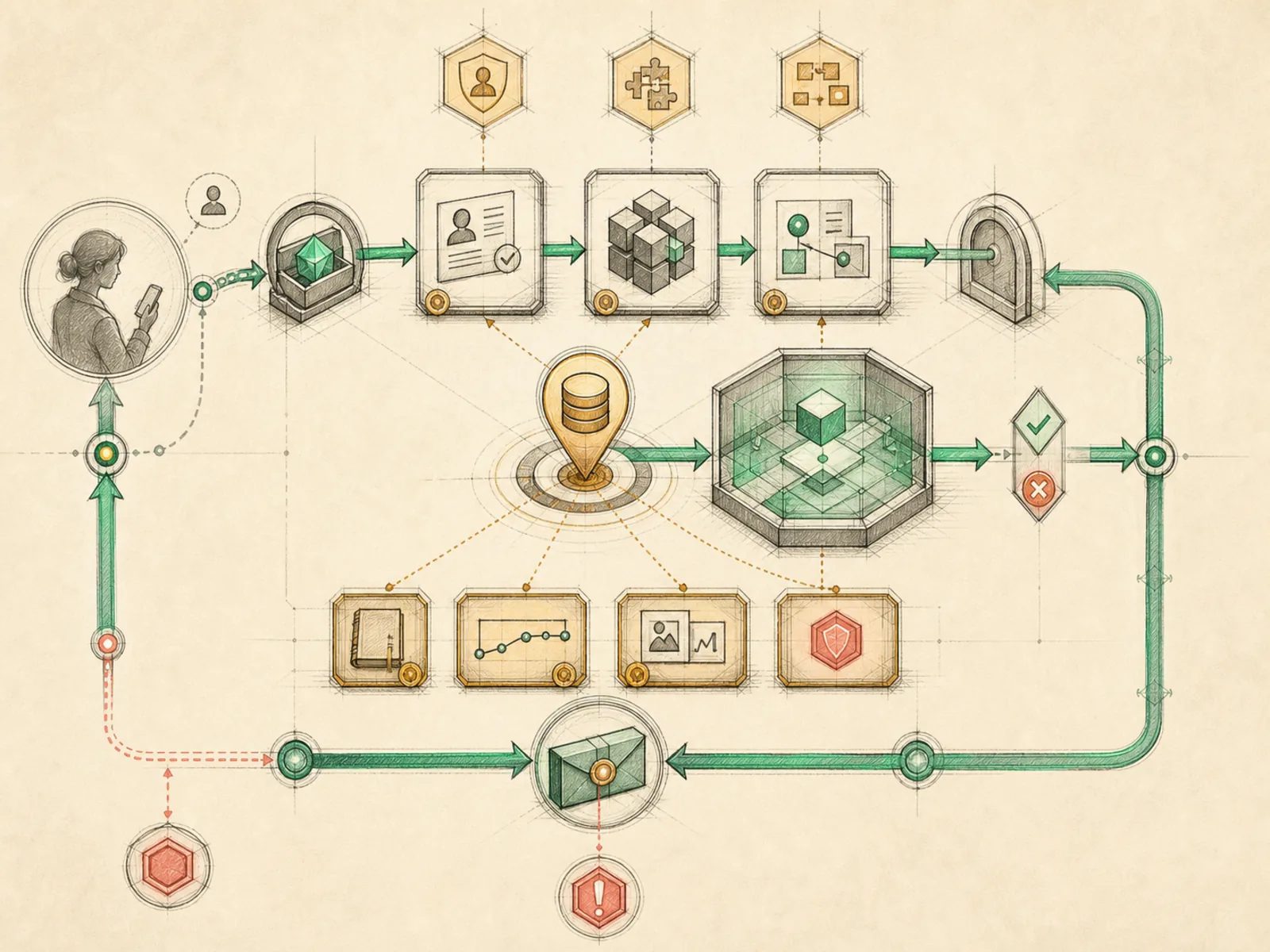
Hermes doesn’t speak to WhatsApp directly; it hires a small go-between instead — a separate helper program that logs into WhatsApp Web on its behalf — and only ever deals with that go-between’s tidy translations of whatever comes through. If the go-between’s shift ends unexpectedly, Hermes notices on the next start and takes on a fresh one rather than waiting indefinitely for the old one to come back.
Why it matters
The same mobile-command-center pattern Telegram uses extends here to a platform many non-technical users already have open constantly, which matters for workflows meant to reach someone who wouldn’t otherwise check a dashboard. It shares the same underlying gateway service and toolset registration pattern as Telegram and Discord, differing mainly in the platform-specific plugin handling WhatsApp’s connection requirements. For a business workflow like CRM intake, this is often the channel where a qualifying inbound message actually first shows up.
How it works
WhatsAppAdapter (plugins/platforms/whatsapp/adapter.py) never opens a WhatsApp connection itself. It launches and manages a local Node.js subprocess running the Baileys WhatsApp Web library, talking to it over a small HTTP API — the code’s own comments call this a ‘bridge pattern.’ The adapter tracks that subprocess by writing its process ID to a bridge.pid file, and on startup checks whether an old bridge from a crashed run is still listening on the port so it can kill the stale one before starting a fresh bridge, rather than failing to bind. The whole adapter stays inactive unless WHATSAPP_ENABLED is explicitly set, and once running it applies the same allowlist and DM/group policy pattern used by Hermes’s other messaging adapters.
A concrete example
A regular customer sends a WhatsApp message asking to reschedule an appointment.
- WhatsApp Web, running inside the local bridge process, receives the message and forwards it to Hermes over the bridge’s HTTP API.
- Hermes checks that the sender’s number is allowed to trigger a reply and finds an existing conversation tied to that customer.
- Hermes updates the scheduling note, drafts a reply confirming the new time, and sends it back.
- The customer sees an ordinary WhatsApp reply on their phone, with no sign that a small local helper program handled the actual protocol underneath.
How it connects
This note belongs to the Interfaces family. Its closest neighboring concepts are: Telegram Gateway, Discord, Agent Runtime, Personal OS.
Source evidence
plugin:platforms/whatsapp— Explicit Source Map scope boundary: The platform plugin is outside the approved Core scope.
Workflows
- Gateway Mobile Command Center
Related articles
- No article currently mentions this concept by name/alias often enough to qualify (see mention-mining policy).