Terminal Tools
What it is
Shell and process execution capabilities used for coding and operations.
In plain terms
It’s the difference between describing how a recipe might turn out and actually turning on the stove and tasting it. Terminal tools let Hermes actually run a command — a build, a test suite, a git operation — and see the real result, rather than guessing what the outcome would be.
Why it matters
Shell execution lets a coding-focused session verify builds, tests, and repository state instead of guessing. The terminal tool follows the configured backend’s permissions and approval rules; it is not inherently confined to a universal filesystem sandbox. Keeping command launch in terminal and lifecycle management in process makes long-running work explicit and recoverable without implying that process itself executes commands.
How it works
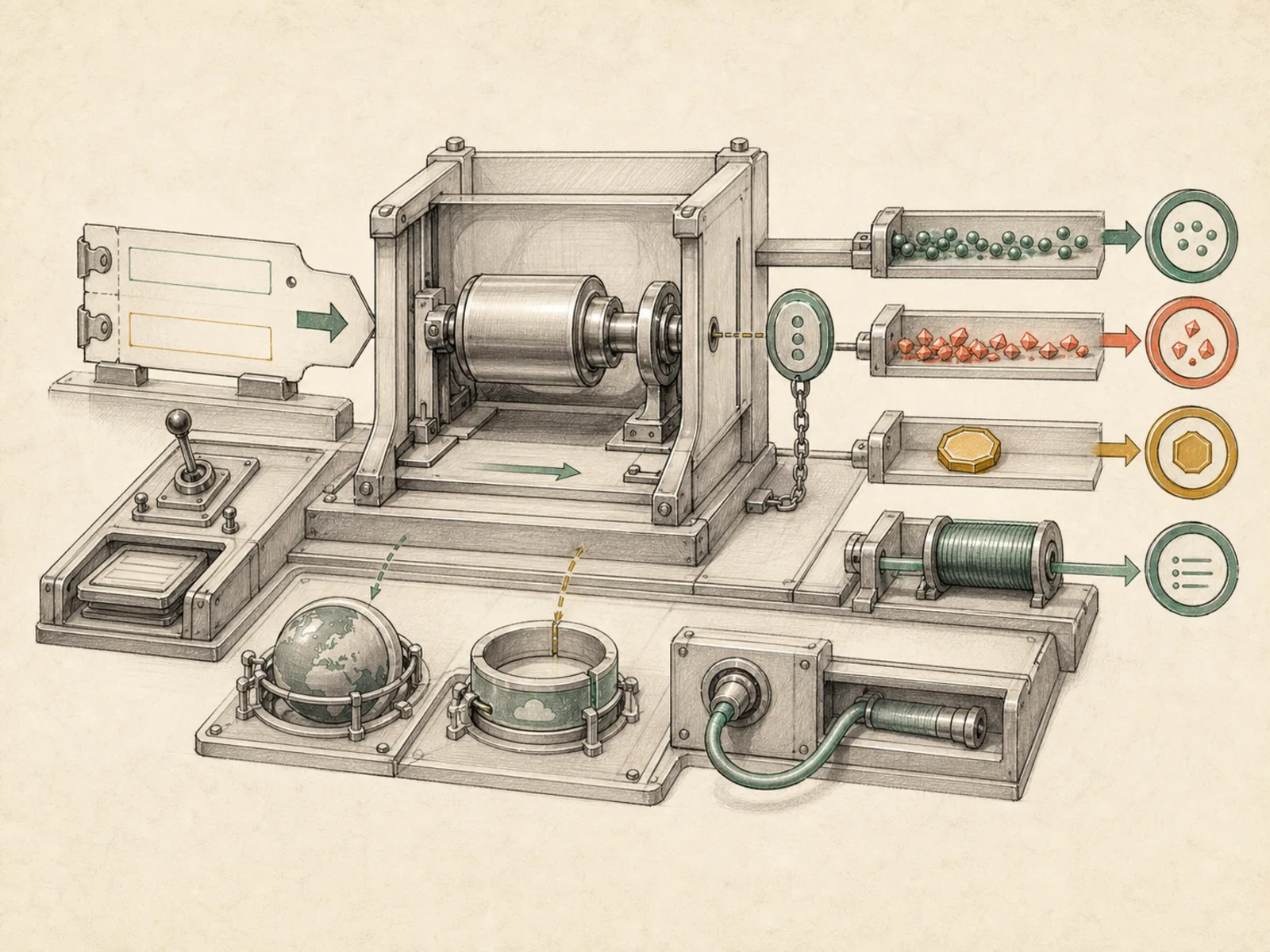
terminal starts commands on the configured local, container, or remote backend; setting background=true returns a session_id, and notify_on_complete=true can report one completion event. The separate process tool never starts a new command. It manages an existing background session with exactly eight actions: list, poll, log, wait, kill, write, submit, and close (tools/process_registry.py). write sends raw stdin, submit sends data plus Enter, and close sends EOF. Desktop-only read_terminal and close_terminal are separate GUI companions rather than process actions.
A concrete example
A coding agent needs to run a slow test suite without stalling the conversation.
- It calls
terminalwithbackground=trueandnotify_on_complete=trueand keeps working on something else. - Ten minutes later the suite finishes and Hermes gets a single automatic notification rather than polling.
- It reads the output, sees two failing tests, and moves on to fixing them — the terminal toolset made the wait invisible instead of blocking.
How it connects
This note belongs to the Tools family. Its closest neighboring concepts are: File Tools, Computer Use, Agent Runtime, Personal OS.
Source evidence
vendor/hermes-agent/toolsets.py#<file>— Structural Source Map fallback for toolsets.py. A core source file in the Tool Registry and Toolsets structure within Tools, Toolsets, and MCP.
Workflows
- No first-pass workflow mapping yet; this concept still appears in the vault graph through articles and source evidence.
Related articles
- No article currently mentions this concept by name/alias often enough to qualify (see mention-mining policy).