File Tools
What it is
Read, write, patch, and search capabilities over the project filesystem.
In plain terms
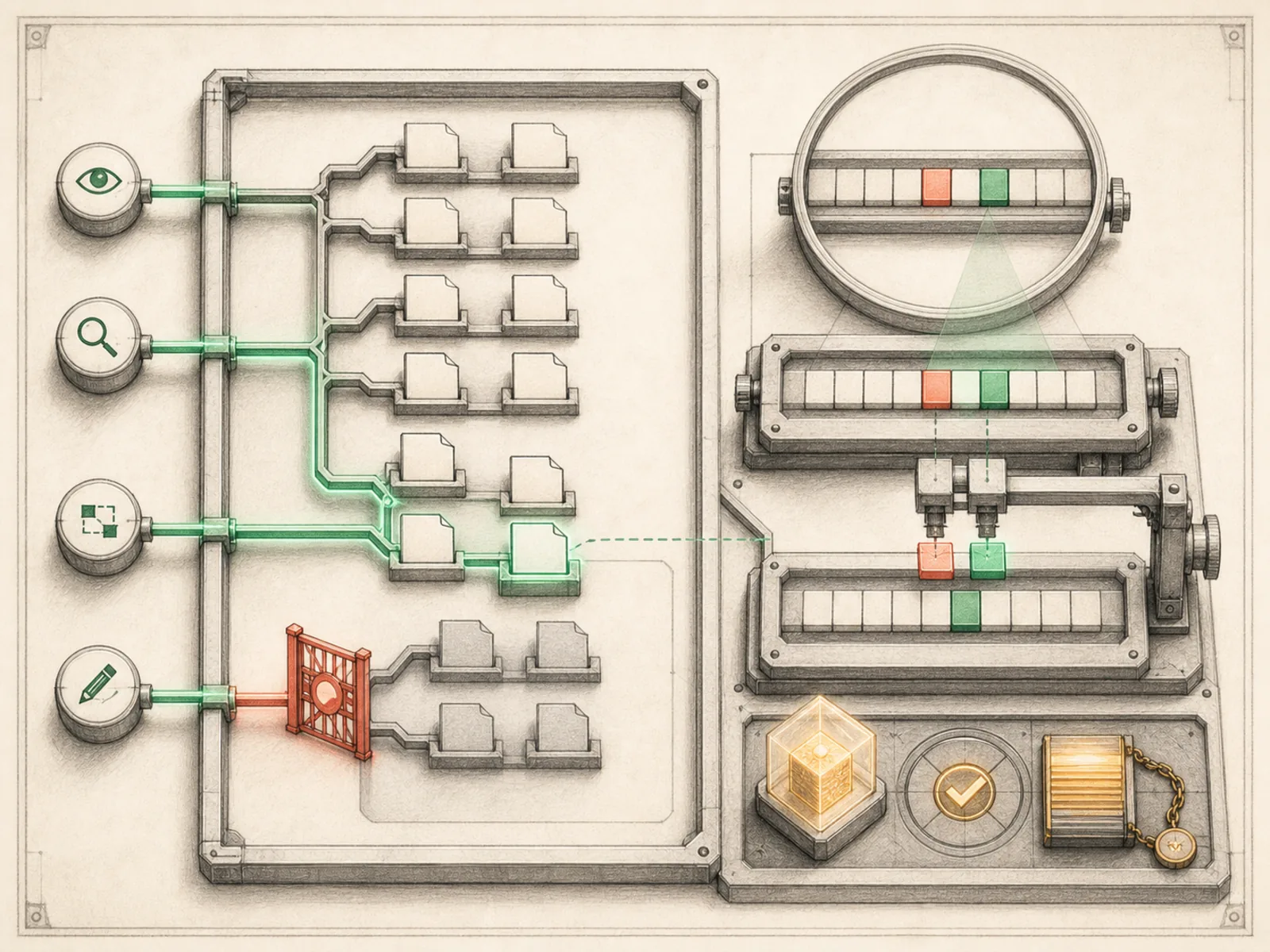
Think of a librarian’s cart with exactly four functions: pull a book off the shelf, place a new one, correct a typo on a specific page without retyping the whole book, and search the stacks by keyword. File tools are that cart for Hermes’s filesystem access — read, write, patch, and search, nothing more.
Why it matters
Read, write, patch, search — four filesystem operations that sit underneath a surprising share of workflow patterns, since content repurposing, business CRM intake, and any skill needing to persist an artifact all route through this same toolset. Because file access is one of the more consequential capabilities to misconfigure, it pairs naturally with project isolation and approval boundaries, which constrain where those reads and writes are actually allowed to land. It shares its registration weight — 4 declarations — with terminal and homeassistant.
How it works
read_file returns file contents (capped near 100,000 characters, configurable via file_read_max_chars, to avoid blowing the context window), write_file creates or overwrites a path, search_files is ripgrep-backed for regex content search or glob-based file lookup, and patch does targeted find-and-replace edits using nine fuzzy-matching strategies so small whitespace or indentation differences don’t break the match (tools/file_tools.py). Patch mode also accepts multi-file “V4A” style bulk patches and auto-runs syntax checks after editing. A cross-profile soft guard blocks writes into a different Hermes profile’s skills, plugins, cron jobs, or memories unless the caller explicitly opts out of it.
A concrete example
An agent is asked to fix a typo in a config file across a project.
- It uses
search_fileswith a regex to find every file containing the misspelled term. - For each match, it calls
patchwith the old and new string — fuzzy matching absorbs any indentation quirks between files. patchreturns a unified diff for each edit and Hermes reports exactly what changed, without ever needing a full file rewrite.
How it connects
This note belongs to the Tools family. Its closest neighboring concepts are: Browser Tools, Terminal Tools, Agent Runtime, Personal OS.
Source evidence
vendor/hermes-agent/toolsets.py#<file>— Structural Source Map fallback for toolsets.py. A core source file in the Tool Registry and Toolsets structure within Tools, Toolsets, and MCP.
Workflows
- Content Repurposing Station
Related articles
- How to Use Hermes Better Than Most People: Architecture, Project Isolation, and Scalable Workflows
- Hermes for Small Business: Turning Inbox Messages into a Maintainable CRM Workflow