終端機工具
這是什麼
用於程式開發與維運的命令列指令啟動,以及既有背景程序的生命週期管理能力。
白話解釋
這就像只描述一道菜可能有什麼味道,與真正開火烹調並品嚐成品的差別。終端機工具讓 Hermes 實際執行建置、測試套件或 Git 操作並取得真實結果,而不是猜測可能發生什麼。
為什麼重要
命令列執行讓以程式開發為主的工作階段直接驗證建置、測試與儲存庫狀態,不必靠猜測。terminal 會遵循目前後端的權限與核准規則,但並不天然受限於一套通用檔案系統沙盒。把指令啟動留給 terminal,把背景生命週期管理交給 process,可以明確且可恢復地處理長時間工作,也避免誤以為 process 自己會執行新指令。
運作方式
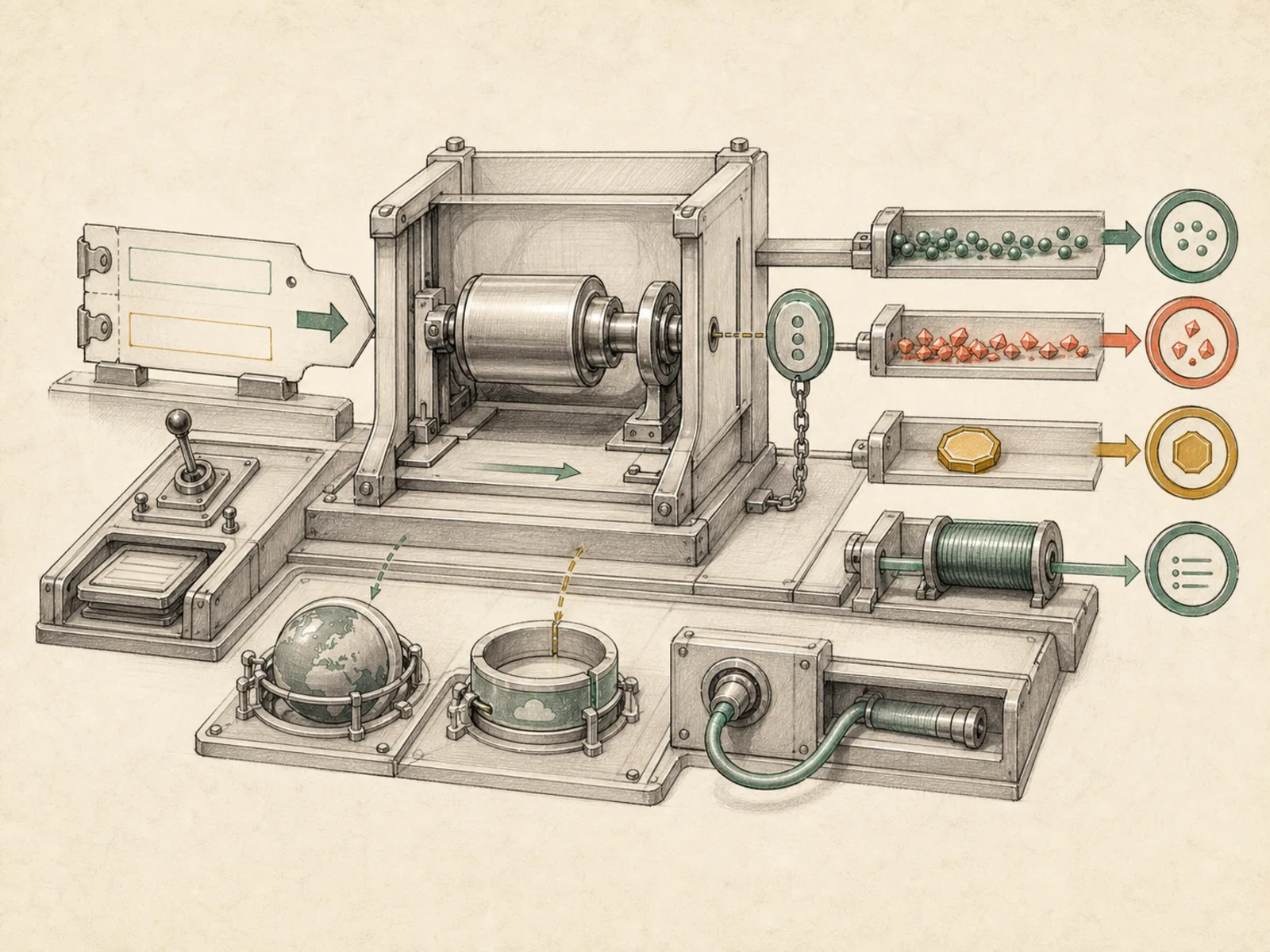
terminal 會在已設定的本機、容器或遠端後端啟動指令;設定 background=true 時會回傳 session_id,搭配 notify_on_complete=true 可在完成時自動通知一次。獨立的 process 工具不會啟動任何新指令,只能以八種動作管理既有背景工作階段:list、poll、log、wait、kill、write、submit、close,相關實作位於 tools/process_registry.py。write 傳送原始標準輸入,submit 傳送資料後再按下 Enter 鍵,close 則送出檔案結尾訊號。桌面版專用的 read_terminal 與 close_terminal 是另外的 GUI 輔助工具,不是 process 動作。
具體範例
程式代理需要執行耗時測試套件,又不想阻塞對話。它呼叫 terminal(background=true, notify_on_complete=true) 啟動測試,並繼續處理其他工作。十分鐘後測試完成,Hermes 收到一次自動通知,不必持續輪詢;代理讀取輸出、看到兩項失敗測試後便著手修正。新指令始終由 terminal 啟動,process 只在需要時管理該既有背景工作階段。
如何連結
「終端機工具」屬於「工具」系列。最直接相關的概念包括:「檔案工具」、「電腦使用」、「代理執行環境」、「個人作業系統」。這些連結描述教學關係,不取代來源證據。
來源證據
toolsets.py#<file>— 結構性來源;只確認來源檔關聯,不單獨證明特定呼叫順序。
工作流程
- 目前尚無第一輪工作流程對應;此概念仍透過文章與來源證據出現在知識庫圖譜中。
相關文章
- 目前沒有文章以足夠頻率直接提及此概念名稱或別名,尚未達到提及探勘門檻。