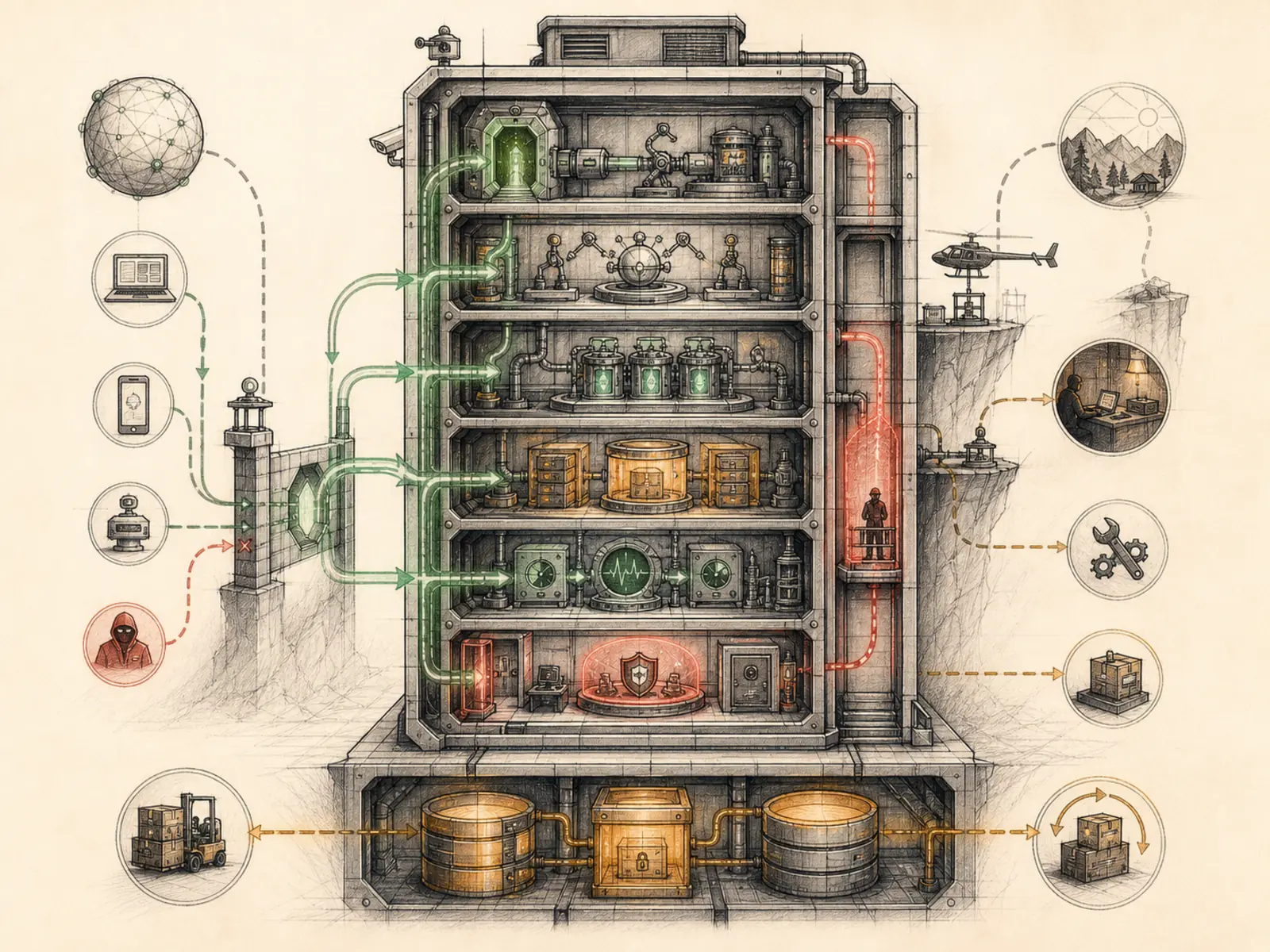
VPS Deployment
What it is
Running Hermes on an always-on server for continuous automation and gateways.
In plain terms
Think of it as the difference between running a lemonade stand out of your own driveway and renting a storefront with a lease of its own: the storefront keeps its lights on and takes orders on its own schedule, whether or not you personally show up that day. A VPS deployment puts Hermes on rented hardware somewhere else entirely, so schedules and message channels keep running whether or not your laptop is even turned on.
Why it matters
Cron jobs keep firing, gateways stay connected, a scheduled report still runs at 6am — VPS deployment is what makes ‘always-on’ actually true, whether or not anyone’s laptop happens to be open. The beginner-route content spends the most time here, since setting up a VPS correctly — models, gateways, schedules, backups, security — is a meaningfully bigger undertaking than running locally. It trades local deployment’s tighter data control for continuous availability, which is why cost control, secret handling, and approval boundaries all get more scrutiny once a deployment stays online unattended.
How it works
Hermes ships a hermes gateway install command that registers the gateway as a persistent OS service - a systemd user service on Linux (or a boot-time system service with –system), with equivalents on macOS and Windows - so it survives reboots and logouts (hermes_cli/gateway.py). Once installed, Hermes actively protects that arrangement: an approval-layer guard flags any attempt to start the gateway manually with nohup, disown, or setsid, and tells you to run systemctl --user restart hermes-gateway instead, so a stray shell trick can’t leave an orphaned, unmanaged copy running (tools/approval.py). Because the process can lose its interactive terminal entirely once it’s running headless under systemd or Docker, output is routed through a guarded printer that swallows broken-pipe errors instead of crashing a scheduled job (run_agent.py).
A concrete example
You spin up a $5-a-month VPS, SSH in, and run hermes gateway install.
- Hermes registers itself as a systemd user service on the box.
- A scheduled report job and a Telegram gateway both start working, independent of your laptop.
- You close your laptop and go to bed.
- The next morning, from your phone, you find an overnight cron job pulled headlines, a wake condition flagged a price drop, and a report is already sitting in your inbox.
How it connects
This note belongs to the Operations family. Its closest neighboring concepts are: Source Evidence, Local Deployment, Agent Runtime, Personal OS.
Source evidence
vendor/hermes-agent/run_agent.py:1892-1902#AIAgent._flush_messages_to_session_db— Verified Source Map evidence for AIAgent. AIAgent uses thin forwarding methods to delegate system-prompt construction toagent.system_prompt.build_system_prompt, API kwargs construction to the chat-completion helper, and streaming requests tointerruptible_streaming_api_call.
Workflows
- No first-pass workflow mapping yet; this concept still appears in the vault graph through articles and source evidence.
Related articles
- How to Use Hermes Better Than Most People: Architecture, Project Isolation, and Scalable Workflows
- Mastering Hermes Desktop: From Local Chat App to an Always-On Agent Control Center
- Hermes Agent Explained: Why an Agent Harness Matters More Than Another Chat Window
- From Zero to a Personal AI Assistant: Building Hermes on a VPS Without Creating a Mess
- Hermes Agent for Beginners: A Step-by-Step Route from Empty Server to Useful Automation