Vision
What it is
Image understanding capabilities exposed to the agent.
In plain terms
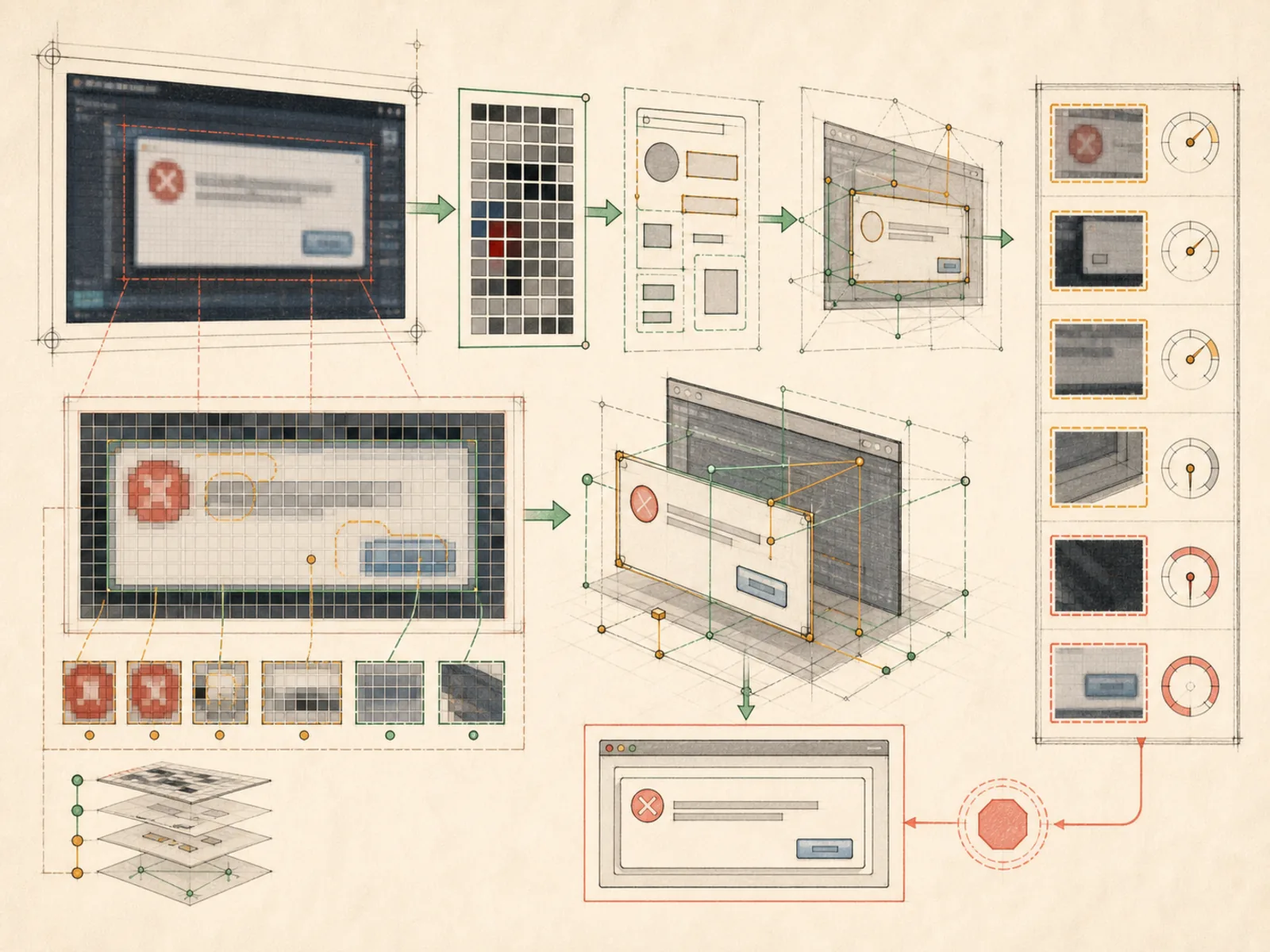
Hermes can’t glance at a picture on its own, so when it needs to know what’s actually inside one, it calls in outside help. It downloads the image, hands it to whichever route can actually look at pictures, and gets back an answer to a specific question — what does this screenshot say, what’s in this diagram — instead of guessing from a text description alone.
Why it matters
Looking at an actual image, rather than only reasoning about a text description of one, is what the vision toolset adds — registered as a single vision_analyze tool. It complements web search and file tools in research-style workflows: fetch a screenshot or diagram, then analyze it directly instead of relying on surrounding text to describe its contents. Not every configured model supports image input, which makes this a capability gated by model choice as much as toolset configuration.
How it works
vision_analyze takes an image URL or a local file path, downloads and normalizes it — including converting SVGs to PNG — before deciding how to answer (tools/vision_tools.py). When the active main model’s provider natively accepts images inside tool results, Hermes takes a fast path: the raw image bytes get handed straight back so the main model sees the picture itself on its next turn, no extra model call involved. When it doesn’t, Hermes falls back to a separate auxiliary vision model — Gemini 3 Flash Preview via OpenRouter by default — which describes the image in text, and that description is what the main model actually reads. Downloaded images are cleaned up from a temporary cache afterward; local file paths are left untouched since they weren’t downloaded in the first place.
A concrete example
Someone pastes a link to a screenshot of a cryptic error dialog and asks what’s wrong.
- Hermes calls vision_analyze with the image URL and the question.
- If the main model can see images directly, it reads the screenshot itself on the next turn; otherwise the auxiliary vision model describes it in text first. Either way, the reply explains what the error message says and a likely cause — without the person retyping it by hand.
How it connects
This note belongs to the Tools family. Its closest neighboring concepts are: Web Search, Image Generation, Agent Runtime, Personal OS.
Source evidence
vendor/hermes-agent/toolsets.py#<file>— Structural Source Map fallback for toolsets.py. A core source file in the Tool Registry and Toolsets structure within Tools, Toolsets, and MCP.
Workflows
- No first-pass workflow mapping yet; this concept still appears in the vault graph through articles and source evidence.
Related articles
- No article currently mentions this concept by name/alias often enough to qualify (see mention-mining policy).