Image Generation
What it is
Image generation backends and tools.
In plain terms
Rather than trying to draw something out of pure text, Hermes commissions the picture: hand it a written brief — or an existing image plus notes on what to change — and it forwards the job to an actual image-generation model, then returns the finished picture. Which artist it hires behind the scenes is a setting, not something baked into how you phrase the request.
Why it matters
Switching image providers is a configuration change rather than a code change, since fal, openai, openrouter, xai, and krea all ship as separate pluggable image_gen backends behind the same toolset. It sits alongside vision and video generation as related-but-distinct media capabilities — one produces images, one interprets them, one extends the same idea into motion. Given how much pricier a generation call is than a text response, cost-aware workflows usually treat this as on-demand rather than something left enabled for every session.
How it works
image_generate is one tool whose own description changes depending on which backend is switched on, since it reads the active model’s declared capabilities before answering (tools/image_generation_tool.py). Left on its built-in path, it talks to FAL.ai across a catalog of models — FLUX 2, Nano Banana Pro, GPT-Image, Ideogram, Krea, among others — but setting image_gen.provider in config instead routes the same call to a plugin under plugins/image_gen/, covering OpenAI, OpenRouter, xAI, Krea, or OpenAI via Codex. The same tool call automatically becomes either a fresh generation (no image_url) or an edit of a supplied image (image_url plus, on some models, several reference images) depending on what’s passed and what the active model actually supports — models that can’t edit reject those fields outright. Certain FAL models optionally run an extra Clarity Upscaler pass afterward.
A concrete example
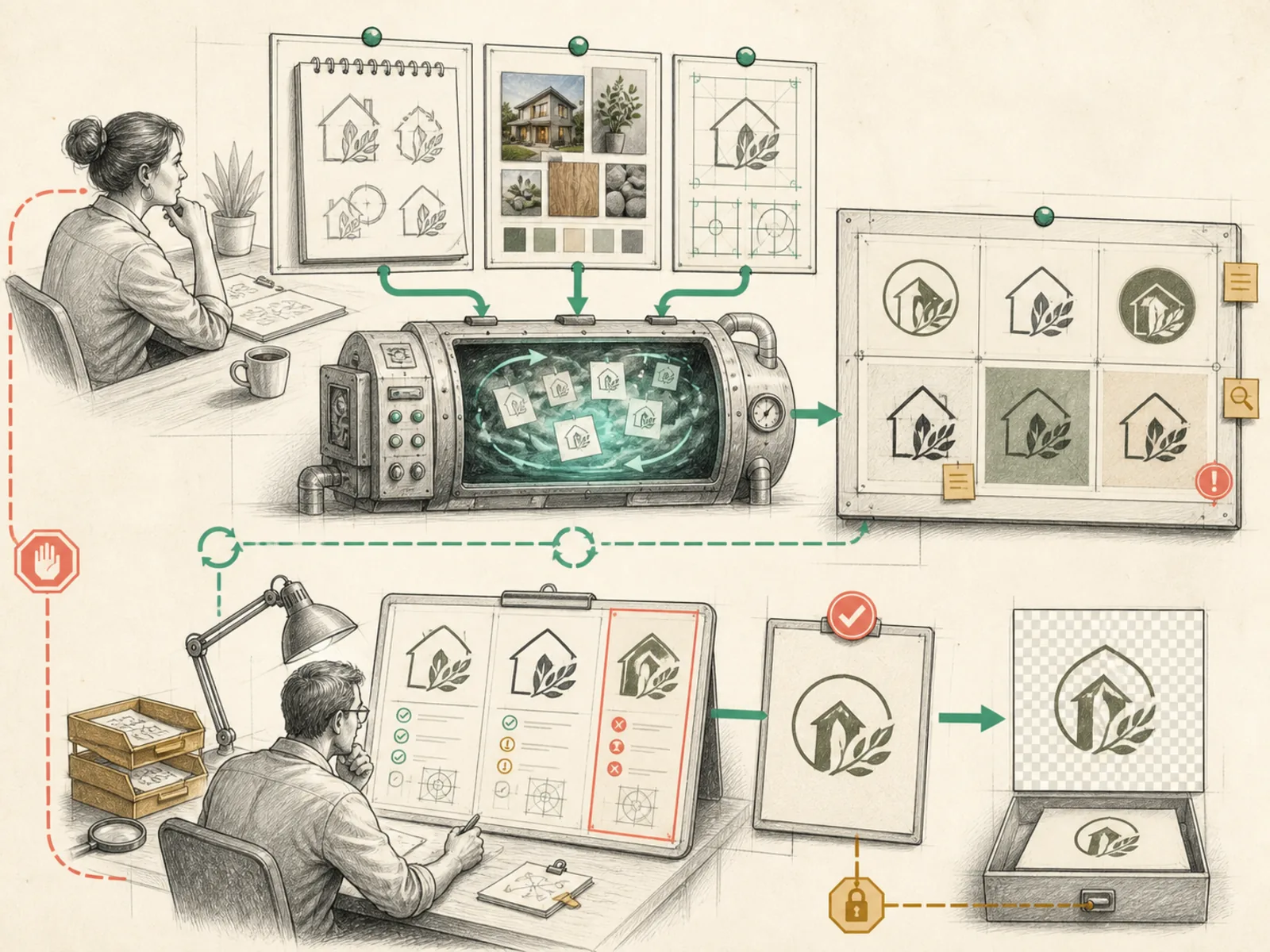
A small business owner asks for a logo concept, then wants the background removed from the one they liked.
- First call: image_generate with just a text prompt returns a fresh generated logo.
- Second call: image_generate with image_url pointing at that same logo, plus the instruction ‘make the background transparent’ — the same tool now edits rather than generates fresh, because an image was supplied this time. The result is a modified version of the original logo, not an unrelated new image entirely.
How it connects
This note belongs to the Tools family. Its closest neighboring concepts are: Vision, Video Generation, Agent Runtime, Personal OS.
Source evidence
vendor/hermes-agent/toolsets.py#<file>— Structural Source Map fallback for toolsets.py. A core source file in the Tool Registry and Toolsets structure within Tools, Toolsets, and MCP.
Workflows
- No first-pass workflow mapping yet; this concept still appears in the vault graph through articles and source evidence.
Related articles
- No article currently mentions this concept by name/alias often enough to qualify (see mention-mining policy).