Schedules
What it is
Hourly, daily, weekly, and event-like timing rules for recurring work.
In plain terms
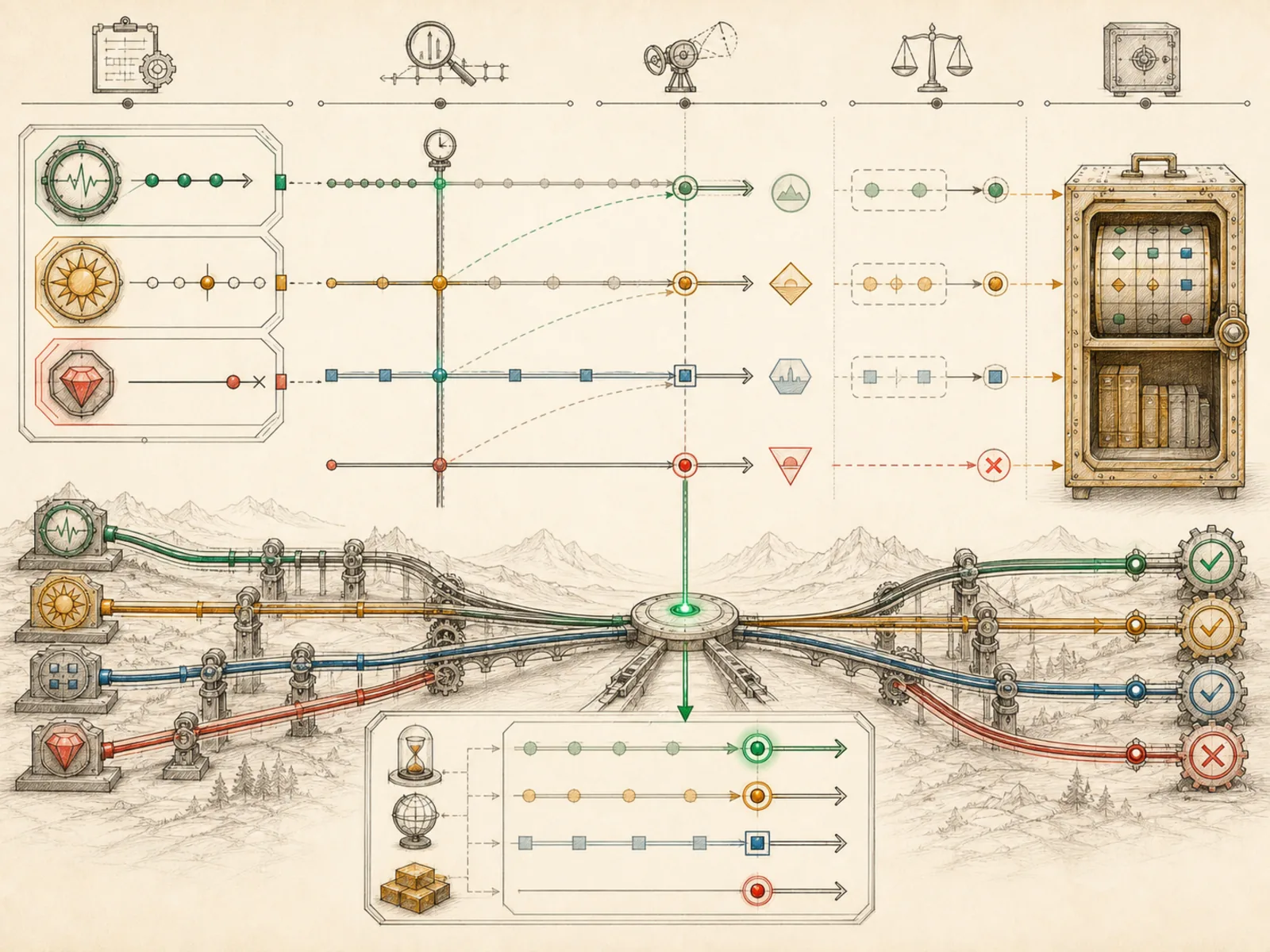
A departures board that mixes three kinds of trips — a one-off charter leaving at a fixed hour, a shuttle departing every fixed number of minutes forever, and a scheduled service running on a fixed calendar rhythm (daily, certain weekdays, whatever the timetable specifies) — captures what a Hermes schedule actually is: whichever of those three shapes a person describes when setting up a cron job, however loosely it’s phrased.
Why it matters
Hourly, daily, weekly, or something closer to event-like — schedules are the timing rules a cron job actually runs against, and the piece an operator tunes first when a job fires too often or not often enough. The daily priority ritual depends on landing at a consistent, predictable time of day; a ritual firing at a random hour loses most of its value. Getting cadence wrong in either direction has a real cost: too frequent wastes model calls, too infrequent means stale information by the time a human sees it.
How it works
parse_schedule (cron/jobs.py) classifies a string as an interval such as “every 30m”, a validated cron expression such as “0 9 * * *”, or a one-shot duration/timestamp. compute_next_run calculates the next due time and can anchor recurring schedules to last_run_at so a restart does not reset cadence. Wall-clock interpretation comes from Hermes’s globally configured timezone; jobs do not carry independent per-job timezone fields. A one-shot timestamp too far in the past is rejected rather than saved as a job that can never fire.
A concrete example
Three schedules produce three different behaviors from the same tool call:
- “every 30m” for a repo-monitor job — checks recur thirty minutes apart, forever.
- “0 9 * * *” for a daily digest — fires once a day at 9 a.m., validated as a real cron expression before Hermes accepts it.
- A bare “2h” for a one-off reminder — runs exactly once, two hours from the moment it was created, then never again. Getting the shape wrong, a one-shot when a recurring job was meant, is a common early mistake when setting up a new automation.
How it connects
This note belongs to the Automation family. Its closest neighboring concepts are: Cron Blueprints, Wake Conditions, Agent Runtime, Personal OS.
Source evidence
vendor/hermes-agent/toolsets.py#<file>— Structural Source Map fallback for toolsets.py. A core source file in the Tool Registry and Toolsets structure within Tools, Toolsets, and MCP.
Workflows
- Daily Priority Ritual
Related articles
- From Zero to a Personal AI Assistant: Building Hermes on a VPS Without Creating a Mess
- The Ultimate Beginner’s Guide to Hermes: From First Installation to an AI Operations Team
- Ten Hermes Workflows That Turn a Chatbot into a 24/7 Assistant
- Scheduling Hermes: How to Build, Inspect, and Control Automated Cron Jobs