Cron Blueprints
What it is
Reusable schedule templates that reduce repeated setup work.
In plain terms
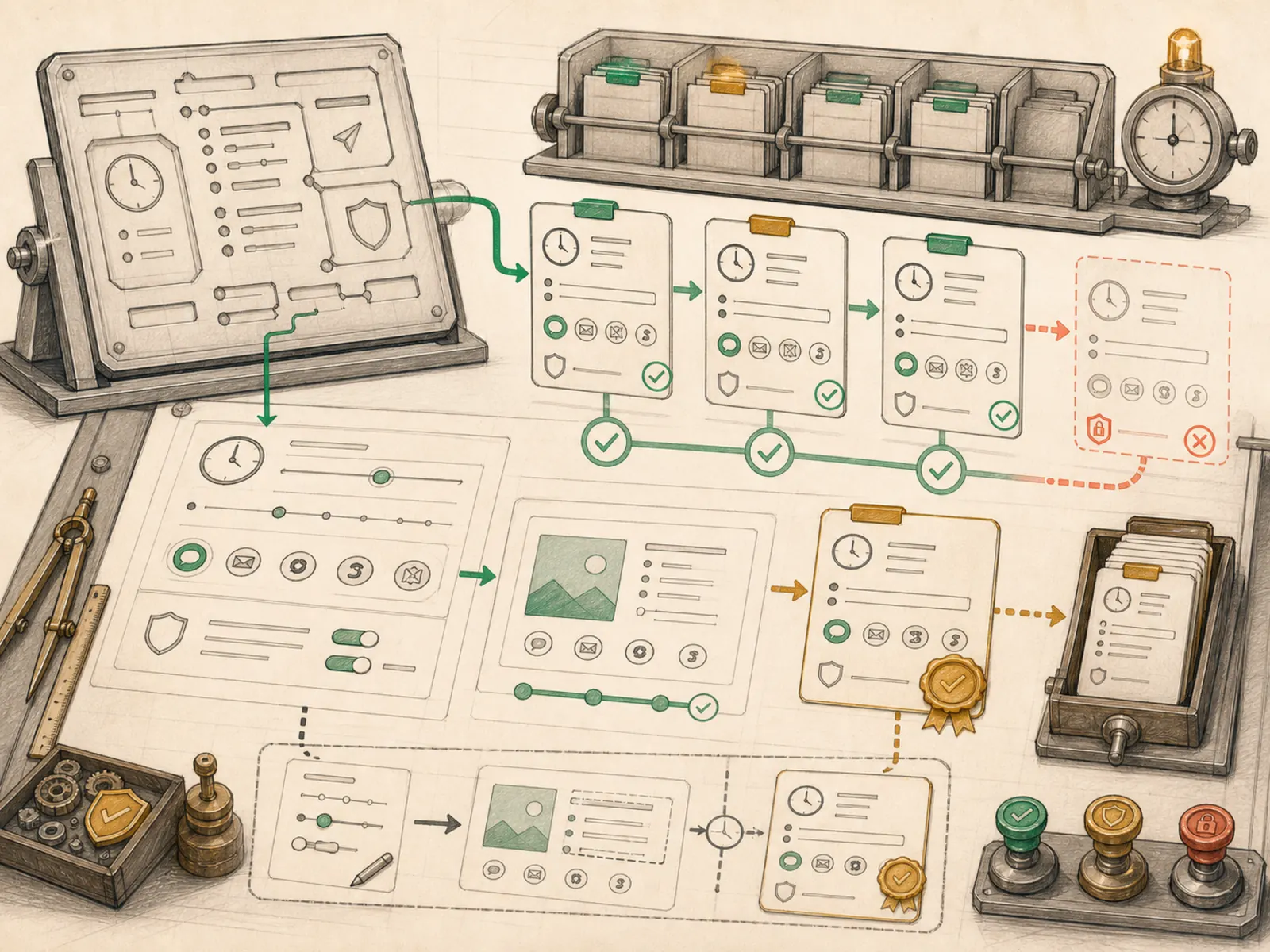
A tailor who keeps a pre-cut jacket pattern on hand asks only for sleeve length and preferred color before cutting fabric — nobody re-drafts the pattern from scratch every visit. That’s what a cron blueprint is for Hermes automations: a ready-made shape for a common job, like a morning briefing or a bill-renewal watch, where a person only fills in the few details that actually vary.
Why it matters
Setting up recurring automation has repeatable parts — schedule, prompt, delivery default, required values, and optional skills — and cron blueprints preserve those fields so a new monitoring job or daily ritual doesn’t start from a blank definition. They are a catalog and form-filling convenience layer over normal cron jobs, not a separate execution mechanism or a policy container.
How it works
AutomationBlueprint declares schedule_template, prompt_template, typed slots, deliver_default, skills, and tags alongside its identifying key/title/description/category (cron/blueprint_catalog.py); there is no generic guardrails field. blueprint_form_schema turns the slots into a dashboard form, while fill_blueprint rejects unknown names, missing required values, and invalid strict enums. It then resolves the schedule, renders the prompt, applies the default or selected delivery target, attaches any blueprint skills, and returns keyword arguments shaped directly for cron.jobs.create_job. The tags describe catalog entries but are not copied into the create_job spec.
A concrete example
Open the dashboard’s automation gallery and pick “Morning briefing.” It shows a form with a time field defaulting to 08:00 and a delivery dropdown listing only the platforms actually connected. Changing the time to 07:15 and clicking create needs no cron expression or hand-written prompt:
- The dashboard sends the blueprint key and the one changed value to /api/cron/blueprints/instantiate.
- fill_blueprint turns 07:15 into the cron fields and renders the full briefing prompt.
- A normal cron job now exists, indistinguishable from one built by hand.
How it connects
This note belongs to the Automation family. Its closest neighboring concepts are: Cron Jobs, Schedules, Agent Runtime, Personal OS.
Source evidence
vendor/hermes-agent/toolsets.py#<file>— Structural Source Map fallback for toolsets.py. A core source file in the Tool Registry and Toolsets structure within Tools, Toolsets, and MCP.
Workflows
- No first-pass workflow mapping yet; this concept still appears in the vault graph through articles and source evidence.
Related articles
- Mastering Hermes Desktop: From Local Chat App to an Always-On Agent Control Center