Scheduling Hermes: How to Build, Inspect, and Control Automated Cron Jobs
A practical guide to recurring AI tasks, reports, delivery gateways, and safe operational controls.
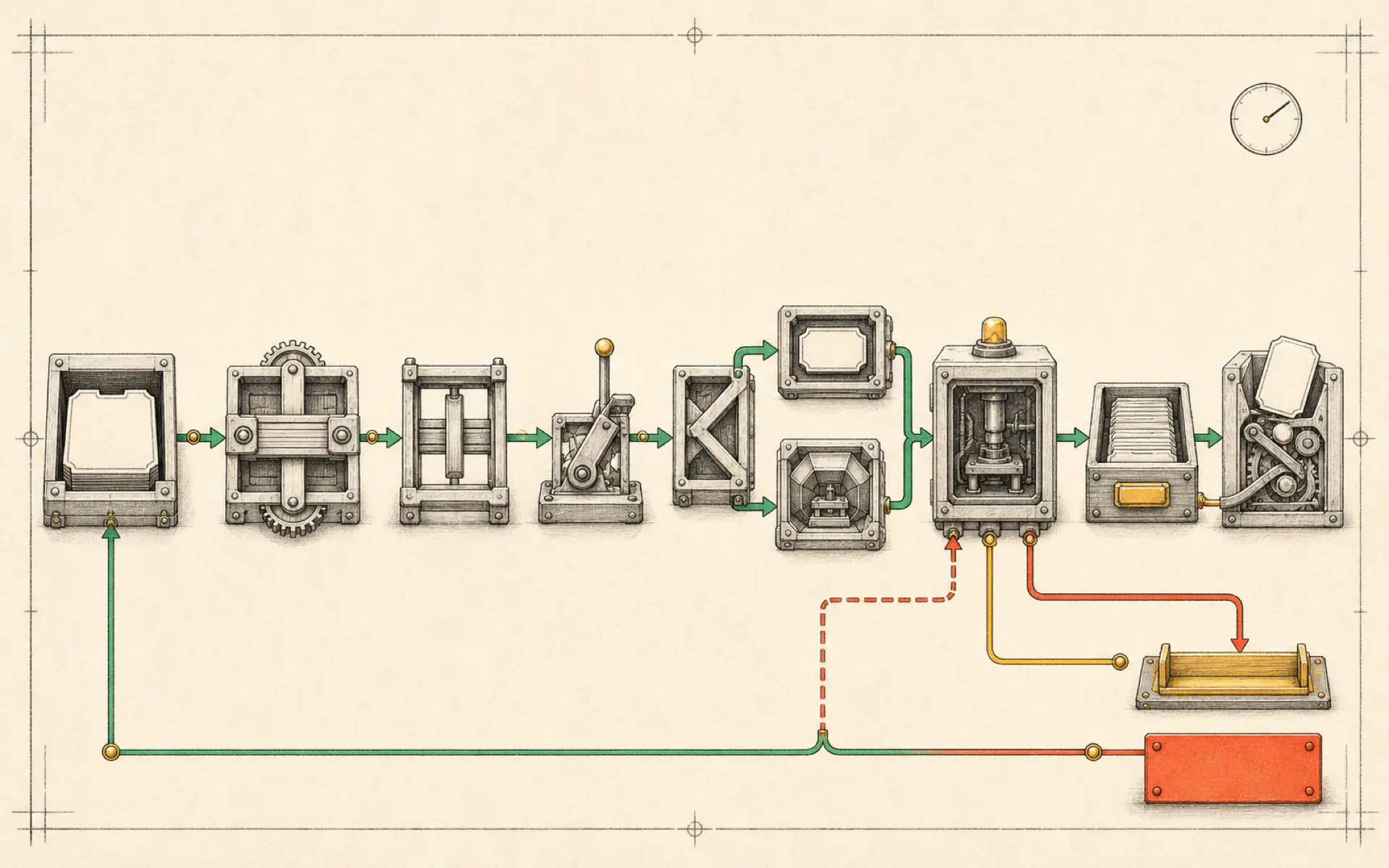
A cron job is a task that runs according to a schedule. In Hermes, the scheduled instruction can call a model, use tools, create files, and deliver a report through a gateway. This makes cron jobs more capable than ordinary reminders—and more important to design carefully.
The basic process is straightforward: install Hermes, configure a model, create a scheduled instruction, inspect the generated files and reports, then test the job manually before relying on its timetable.
Establish the working environment
Hermes can be installed through its supported installation command and configured through the setup process. Select a model provider that is reliable for tool use and confirm a normal interactive request before creating automation.
If the base agent cannot respond consistently, a cron job will only repeat the failure unattended. Resolve provider credentials, model selection, gateway configuration, and file permissions first.
Design the task before choosing the schedule
The purpose of the job should determine how often it runs. An hourly schedule suits fast-changing operational data. A daily schedule suits briefings and summaries. A weekly schedule suits research, reporting, and maintenance.
Write the task as if no person will be present to clarify it. Include:
- the exact objective;
- approved data sources;
- the time period to inspect;
- expected output format;
- file or report destination;
- what counts as no change;
- timeout or maximum scope;
- actions that require approval.
Avoid vague prompts such as “check my business and improve it.” They create unpredictable work and cost.
Create the first cron job
Hermes can interpret a natural-language request to create a scheduled task. For example, the user can request a daily research report at a specified local time.
After creation, inspect the cron list. Confirm the job name, schedule expression, time zone, enabled state, and next run time. A one-hour time-zone error may cause a briefing to arrive during the night, so do not assume the displayed schedule is correct.
Hermes may create supporting scripts and report directories. These files are valuable evidence. Read them to understand what the scheduled task will execute rather than relying solely on the conversational explanation.
Trigger the job manually
Every new cron job should be run manually once. This verifies the full chain:
- The scheduler can start the task.
- The model and tools are available.
- Required files can be read and written.
- The report has the expected structure.
- The result reaches the selected gateway.
Inspect the actual artifact, not only the success message. A job may finish successfully while producing an empty or low-quality report.
Pause, resume, and run on demand
Operational control is essential. Hermes provides ways to list jobs, pause them, resume them, and trigger them immediately.
Pause a job when its data source changes, its output becomes noisy, or the associated project is inactive. Do not leave unnecessary schedules running simply because their individual token cost seems small.
An on-demand trigger is useful for testing and for exceptional runs. It should use the same configuration as the scheduled version so test results accurately represent future behavior.
Build hourly, daily, and weekly layers
Different schedules can support one system:
- Hourly: check service health, new urgent leads, or threshold events.
- Daily: prepare calendar and inbox briefings, summarize completed work, or collect selected metrics.
- Weekly: perform competitor research, review project progress, or generate management reports.
Avoid duplicating work across layers. An hourly job can collect events into a file, while the daily job summarizes that file. This is more efficient than having each schedule repeat the same broad research.
Deliver results through a gateway
A job is only useful if its result reaches the correct place. Hermes can deliver through a configured messaging gateway or save an artifact for later review.
The delivery instruction should identify the channel or topic precisely. Reports from different projects should not all appear in one general chat. If delivery fails, preserve the artifact locally and raise an error rather than discarding the work.
Credentials for Telegram, Slack, email, or other gateways must remain in secret storage. The cron definition should refer to the configured channel, not contain the secret itself.
Monitor reports and failures
Each run should leave a record containing start time, completion status, model or script used, output location, and any error. This history helps distinguish a one-time provider outage from a defective workflow.
Useful monitoring questions include:
- Did the job run at the expected time?
- How long did it take?
- Did token usage change unexpectedly?
- Was the output delivered?
- Did it process new data or repeat old data?
- Are failures being reported somewhere visible?
Cron automation is a continuing service, not a one-time configuration.
Safety rules for unattended tasks
Scheduled jobs should begin with read-only actions. Reporting and draft generation are safer than publishing, deleting, paying, or modifying accounts.
When an action is necessary, separate recommendation from execution. The job can prepare the change and send an approval request. Only a clearly authorized response should permit the final action.
Use idempotent operations where possible. A repeated run should not create duplicate records or messages. Store checkpoints such as the latest processed message ID or report date.
A reliable cron workflow
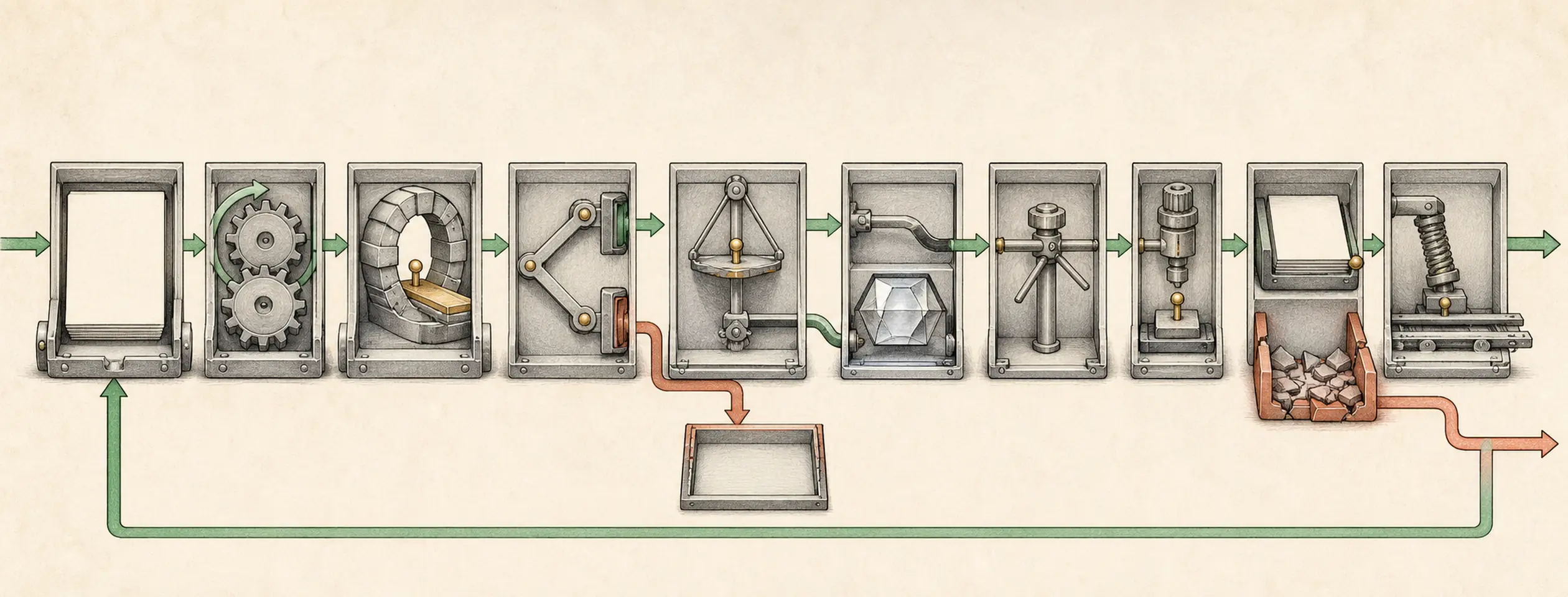
The complete operating cycle is:
- Define the outcome and limits.
- Test the task interactively.
- Create the schedule with an explicit time zone.
- Inspect the generated definition and scripts.
- Trigger one manual run.
- Verify the artifact and delivery.
- Monitor the next real scheduled run.
- Review cost and quality after several runs.
- Pause or revise jobs that no longer create value.
Hermes cron jobs are powerful because they can combine scheduled execution with reasoning and tools. The same power makes transparency essential. A dependable job has a clear purpose, bounded permissions, visible output, and a tested way to stop it.
Hands-on lab: Create and control a daily research brief
Outcome: A self-contained cron job can be created, listed, run now, paused, resumed, and inspected.
Time: 15–20 minutes.
Risk: Medium. A manual run invokes the configured model and may use web tools, so it can consume tokens and external API quota.
Before you start
Confirm that the normal interactive agent works. Create an isolated work directory and one approved research question.
hermes doctor
hermes cron status

mkdir -p "$HOME/hermes-cron-lab/inputs"
mkdir -p "$HOME/hermes-cron-lab/outputs"
cat > "$HOME/hermes-cron-lab/inputs/research-questions.md" <<'EOF'
# Approved question
What changed in the official Hermes cron documentation this week?
EOF
Build it
Create a job with an absolute work directory, explicit output, local delivery, and a clear no-data behavior.
hermes cron create "every 1d at 09:00" "Read inputs/research-questions.md. Research only the listed question using official Hermes sources. Write outputs/daily-research-brief.md with Sources, Findings, and Uncertainties sections. Include source URLs. If the input contains no question, make no external calls and report that the run was skipped." --workdir "$HOME/hermes-cron-lab" --name "daily-research-brief" --deliver localVerify it
Exercise every lifecycle control. A manual run is queued for the next scheduler tick, so allow the scheduler a moment to finish before checking the artifact.
hermes cron list
hermes cron run daily-research-brief
hermes cron status

hermes cron pause daily-research-brief
hermes cron list

hermes cron resume daily-research-brief
hermes cron list

test -s "$HOME/hermes-cron-lab/outputs/daily-research-brief.md"
sed -n '1,100p' "$HOME/hermes-cron-lab/outputs/daily-research-brief.md"

# Leave the lab in a non-recurring, no-spend state.
hermes cron pause daily-research-brief
hermes cron list
Success means the job is visible, its paused and resumed states are visible, the manual run completes, the report contains citations, and the final cron list shows daily-research-brief as paused.
If it fails
- If status shows no scheduler heartbeat, repair the gateway or scheduler before recreating the job.
- If creation rejects the work directory, use an absolute existing directory.
- If the job runs but no file appears, inspect the cron output and logs, then tighten the prompt’s exact destination.
- If delivery succeeds but the report is empty, test the same instruction interactively and verify provider credentials and web-tool access.
Safety, privacy, and cost
Cron runs in a fresh session, so the prompt must contain every constraint and must not rely on the current chat. Keep delivery local while testing. Use approved domains and bound the report length. This lab deliberately ends with the job paused. Resume it with hermes cron resume daily-research-brief only after you explicitly accept the recurring model and external API cost and decide that a daily run is useful. A model-backed job incurs cost on every run; use script-only no-agent mode when a deterministic script can produce the final message.
Official references
Source video: Setting Up Automated Cron Jobs In Hermes Agent, AI Automation Station. Adapted and reorganized from the full transcript; sponsorship and channel promotion were removed.