Hermes Agent for Beginners: A Step-by-Step Route from Empty Server to Useful Automation
How to deploy Hermes, select a model, connect Telegram, create memory and skills, schedule recurring work, and keep control of cost and security.
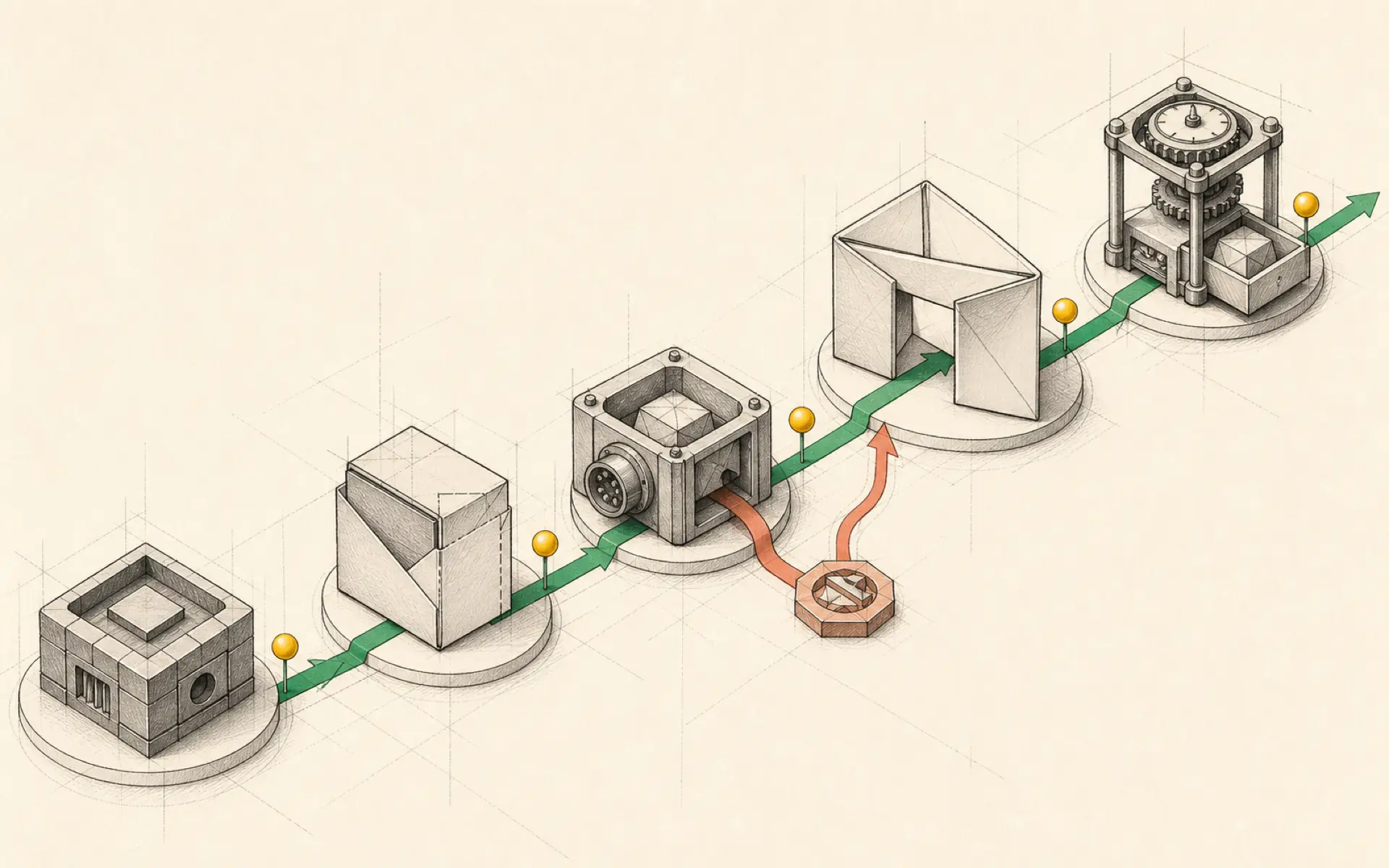
Hermes is easiest to learn by building one complete workflow from beginning to end. The goal is not to install every available integration. It is to create a small, understandable assistant that can receive a message, use a reliable model, remember important preferences, follow a reusable method, and complete a scheduled task.
This guide follows that progression. It also explains the decisions behind each step, because a working command is less valuable than knowing how to recognize whether the result is safe and dependable.
What Hermes adds beyond ChatGPT
A normal ChatGPT conversation is mostly reactive. The user asks a question and receives an answer. Hermes adds an operating layer around the model so it can use persistent files, tools, messaging channels, and scheduled jobs.
That does not make Hermes automatically smarter. The quality of reasoning still depends on the connected model. What changes is the model’s ability to participate in an ongoing system. Hermes can preserve working instructions, receive a Telegram message, run a skill, save an artifact, and wake up again next week to repeat the process.
Deploy on a server only if continuous operation matters
A local installation is sufficient for experiments. A VPS is useful when Hermes must remain available after the user’s computer is closed.
When selecting a server, confirm that its operating system and container support match the deployment method. A modest plan is often sufficient because the model usually runs through a remote provider. More capacity may be needed if the server also runs local models, browsers, databases, or several agent instances.
After the server is created, open its web terminal or connect securely through SSH. Complete the initial Hermes installation, then stop and verify the service before continuing. Check that it starts, that the configuration directory exists, and that the server can reach the selected model provider.
Choose a provider and model deliberately
An aggregator such as OpenRouter can make many models available through one account. During setup, Hermes asks for the provider credential and then for a model.
The best model is not always the correct default. Consider three categories:
- Routine work: classification, short summaries, and simple transformations can use a lower-cost model.
- High-reasoning work: research synthesis, difficult coding, and ambiguous planning may justify a premium model.
- Fallback: a second model can keep basic workflows available if the primary provider fails.
Start with a model known to support tool use reliably. After the first workflow is stable, experiment with cheaper alternatives and compare the actual output rather than relying on a general benchmark.
Connect Telegram safely
Telegram turns the assistant into something that can be reached from a phone. Create a bot through BotFather and copy its token into Hermes. Use a Telegram information bot or another documented method to obtain your own numeric user ID, then place that ID in the allowlist.
Two tests are required:
- The authorized account can send a request and receive a response.
- An account not on the allowlist cannot use the agent.
The second test is often forgotten. It proves that the bot is private rather than merely functional.
If the bot does not respond, inspect the gateway status and logs. Confirm that the token contains no accidental spaces and that the Hermes process was restarted after configuration changes.
Make memory short, useful, and reviewable
Persistent memory should contain facts that improve future work: preferred language, time zone, business context, output format, and stable constraints. It should not become an uncontrolled transcript archive.
A simple memory rule is to store information only if it is likely to matter in a later session. Temporary details belong in the current project or conversation. Sensitive data should not be recorded merely for convenience.
Periodically ask Hermes to show what it believes it knows about you. Correct inaccurate items and remove details that no longer apply. A mistaken memory can influence many later tasks, so review is part of normal operation.
Convert repeated prompts into skills
Suppose a business owner wants a weekly competitor report. A one-time prompt may produce an acceptable answer, but the next report may use different sources, headings, or evaluation criteria.
A skill solves this by recording the method. The competitor-research skill might specify:
- the list of competitors;
- approved sources;
- which products, prices, and announcements to check;
- the date range;
- a comparison format;
- rules for citing evidence;
- a requirement to report when no meaningful change occurred.
Run the skill manually and inspect the result. If it misses a competitor or repeats old news, update the instructions. Skills should evolve from observed failures rather than from an attempt to predict every possible problem in advance.
Schedule the first recurring job
Once the skill works reliably, create a cron job to run it weekly. A cron job is simply a scheduled instruction, but an AI task also needs a delivery channel and a failure policy.
Define the schedule in the correct time zone. Specify where the report should be sent. Add a clear upper limit on research scope and tell Hermes what to do if a website is unavailable. A job that silently retries for hours can generate unnecessary cost.
After saving the schedule, trigger it manually. This confirms the prompt, permissions, and delivery path without waiting until the scheduled time. Then inspect the cron list to verify that the job is enabled and that its next run time is correct.
Watch both model and server costs
A VPS usually has a predictable monthly price. Model usage is more variable. OpenRouter and similar providers offer dashboards that show token spending by model and time.
Review cost after the first few scheduled runs. If a weekly report uses more tokens than expected, reduce unnecessary context, shorten source material, or use a lower-cost model for preliminary filtering. The expensive model can be reserved for the final synthesis.
Cost tracking also helps reveal loops. A sudden spike may indicate that a tool repeatedly failed or that a schedule was accidentally created more than once.
Useful commands and operational habits
Hermes supports commands for inspecting status, changing models, reviewing schedules, and working with sessions. The exact command set can evolve, so the installed version’s help and documentation should remain the reference.
The more durable habit is to verify after every meaningful change:
- After changing a model, send a test request.
- After adding a tool, perform one read-only action.
- After creating a skill, run it manually.
- After creating a schedule, trigger it once.
- After changing network settings, confirm both access and restriction.
This turns configuration into a chain of small, proven steps.
Migrating from another agent system
Hermes can import material from some other agent setups, including OpenClaw-related files and instructions. Migration should not be treated as a blind copy.
Review imported memory, identity instructions, skills, and secrets. Remove obsolete paths and integrations. Confirm that a tool name in the old system refers to the same capability in Hermes. Most importantly, do not activate all imported schedules until each one has been inspected.
Migration is an opportunity to simplify. Keep the procedures that produced value and leave behind accumulated experiments that were never used.
The first automation should be boring
A successful beginner automation does not need to be dramatic. The ideal first job is repetitive, read-only, and easy to verify. A weekly competitor brief, daily inbox summary, or morning calendar overview provides measurable value without granting the agent dangerous authority.
Once this workflow runs consistently, Hermes has demonstrated the essential loop: receive context, apply a skill, use tools, produce an artifact, and deliver it on schedule. Every later capability is an extension of that same loop.
Hands-on lab: Complete and resume your first Hermes session
- Outcome: Select a provider, complete one verifiable read-only chat, and prove the session can be resumed.
- Time: 15–30 minutes, excluding download time and provider sign-in.
- Risk: Medium during installation, which downloads software and stores provider configuration. The practice task itself is read-only and makes no workspace changes.
Before you start
Choose one official installation path:
- Desktop (recommended on macOS or Windows): Open the official Installation page, download Hermes Desktop, run the installer, and allow the first launch to install the Hermes runtime.
- Command line (macOS, Linux, WSL2, or Termux): Open a terminal and run the official installer below.
WSL2is the Linux environment available inside Windows.
curl -fsSL https://hermes-agent.nousresearch.com/install.sh | bash
source ~/.bashrc   # use: source ~/.zshrc when your shell is zsh
For a command-line-only native Windows installation, open PowerShell and use the official Windows installer:
iex (irm https://hermes-agent.nousresearch.com/install.ps1)Prepare one supported provider login or API credential. A subscription and an API key can use different billing models; check the provider’s current pricing and set a spending limit before testing. Enter the credential only in the official setup flow, never in chat.
Create an empty, non-sensitive practice folder. On macOS, Linux, or WSL2:
mkdir -p "$HOME/hermes-first-session"
cd "$HOME/hermes-first-session"
On native Windows PowerShell:
New-Item -ItemType Directory -Force "$HOME\hermes-first-session" | Out-Null
Set-Location "$HOME\hermes-first-session"
Build it
From that practice folder, configure the provider, run the health check, and start the terminal user interface (TUI):
hermes model
hermes doctor
hermes --tui
Do not continue until hermes doctor completes without an unresolved provider or configuration error. Warnings should be read and resolved before adding tools or automation.
Send this first-session prompt:
Read the current directory without modifying it.
Return exactly five bullets:
- the directory name,
- up to three top-level files or folders,
- the likely project type,
- the evidence for that conclusion,
- one safe next question I could ask.
If the folder is empty, say so instead of inventing files.
After checking the response, exit the session and resume it:
hermes --continueAsk: What evidence did you use in the previous answer?.
Verify it
- The welcome banner shows the provider and model you selected.
hermes doctorcompleted without an unresolved provider or configuration error.- The five bullets match files that actually exist, or accurately report an empty folder.
- No file changed.
hermes --continuerestores the prior context and answers the follow-up consistently.
If it fails
- Run
hermes doctorfor missing or stale configuration. - Exit the chat and run
hermes modelagain if provider authentication fails. - Run
hermes sessions listifhermes --continuecannot find the session; also confirm you did not switch profiles. - Do not add gateway, cron, skills, or fallback routing until this baseline passes.
Safety, privacy, and cost
Use only the official HTTPS installation URL and do not run the per-user installer with sudo. Use a non-sensitive folder because a cloud model may receive filenames and file content read during the task. Keep approvals enabled and deny any write or destructive action because the practice task is read-only. Provider setup may create a paid account or consume an existing allowance, so confirm pricing and a spending limit before the first model call. The prompt is deliberately short; repeated retries or tool loops are a signal to stop and inspect provider configuration rather than continue spending.
Official references
Source video: Hermes Agent Tutorial for Beginners (Full Step-by-Step Setup), Metics Media. Adapted and reorganized from the full transcript; sponsorship and repeated spoken material were removed.