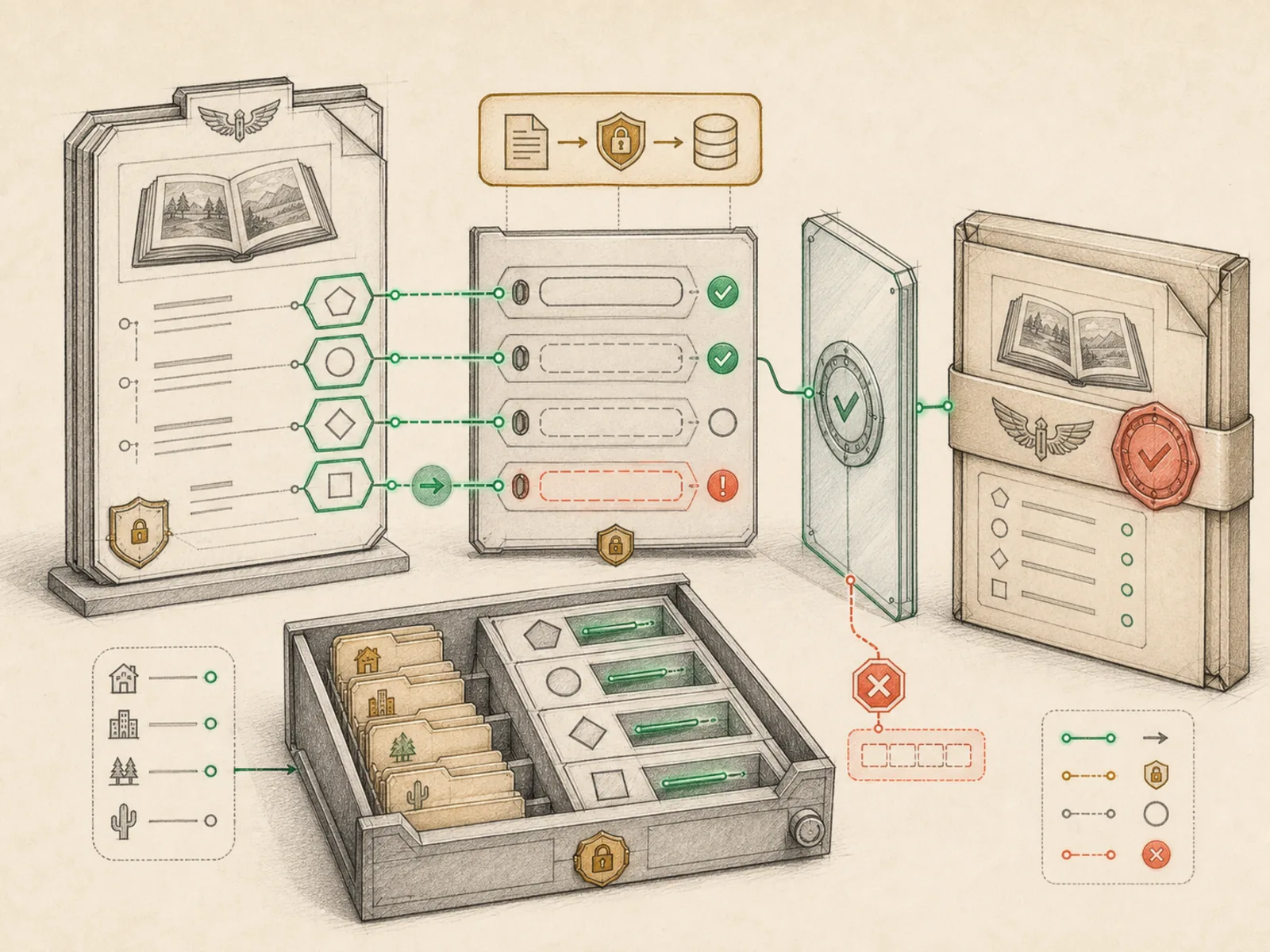
Skill Config Variables
What it is
Named configuration values a skill can declare for safe setup and reuse.
In plain terms
A recipe card that says ‘salt to taste’ isn’t being vague for no reason: it names the variable and leaves the exact amount to whoever’s cooking, so the same recipe works in a tiny apartment kitchen or a restaurant’s line. A skill’s config variables work the same way: a value the SKILL.md names but never hardcodes, so one skill file behaves correctly whether it’s running on your laptop or a rented server.
Why it matters
Rather than hardcoding an API endpoint, a default channel, or a toggle directly into a SKILL.md, a skill can declare it as a named config variable that differs per deployment. agent/skill_utils.py extracts these during discovery, which is what makes one skill portable across a VPS install and a local desktop install without editing the skill file itself. They’re also the practical foundation progressive disclosure builds on, since a config variable can determine whether an entire optional section of a skill applies at all.
How it works
A skill declares config variables under metadata.hermes.config in its YAML header, each with a key, description, optional default, and optional setup prompt. agent/skill_utils.py’s extract_skill_config_vars reads these declarations during discovery, and resolve_skill_config_values looks up the current value for each key under skills.config.
A concrete example
A skill for archiving old photos declares a config variable named photos.archive_path in its frontmatter, with a default of ~/Pictures/archive. On your desktop, running the config setup notices the value is unset and prompts you for the real folder — say ~/Documents/photo-archive. On a VPS running the identical skill file, you set photos.archive_path to /srv/photos instead. Neither install required editing the SKILL.md itself; Hermes resolves the right path from each machine’s own config.yaml automatically every time the skill loads.
How it connects
This note belongs to the Skills family. Its closest neighboring concepts are: Skill Lifecycle, Progressive Disclosure, Agent Runtime, Personal OS.
Source evidence
vendor/hermes-agent/agent/skill_utils.py#<file>— Structural Source Map fallback for agent/skill_utils.py. A core source file in the Skill Discovery and Invocation structure within Skills and Plugins.
Workflows
- No first-pass workflow mapping yet; this concept still appears in the vault graph through articles and source evidence.
Related articles
- No article currently mentions this concept by name/alias often enough to qualify (see mention-mining policy).