Project Isolation
What it is
Keeping files, sessions, and instructions separated by project or role.
In plain terms
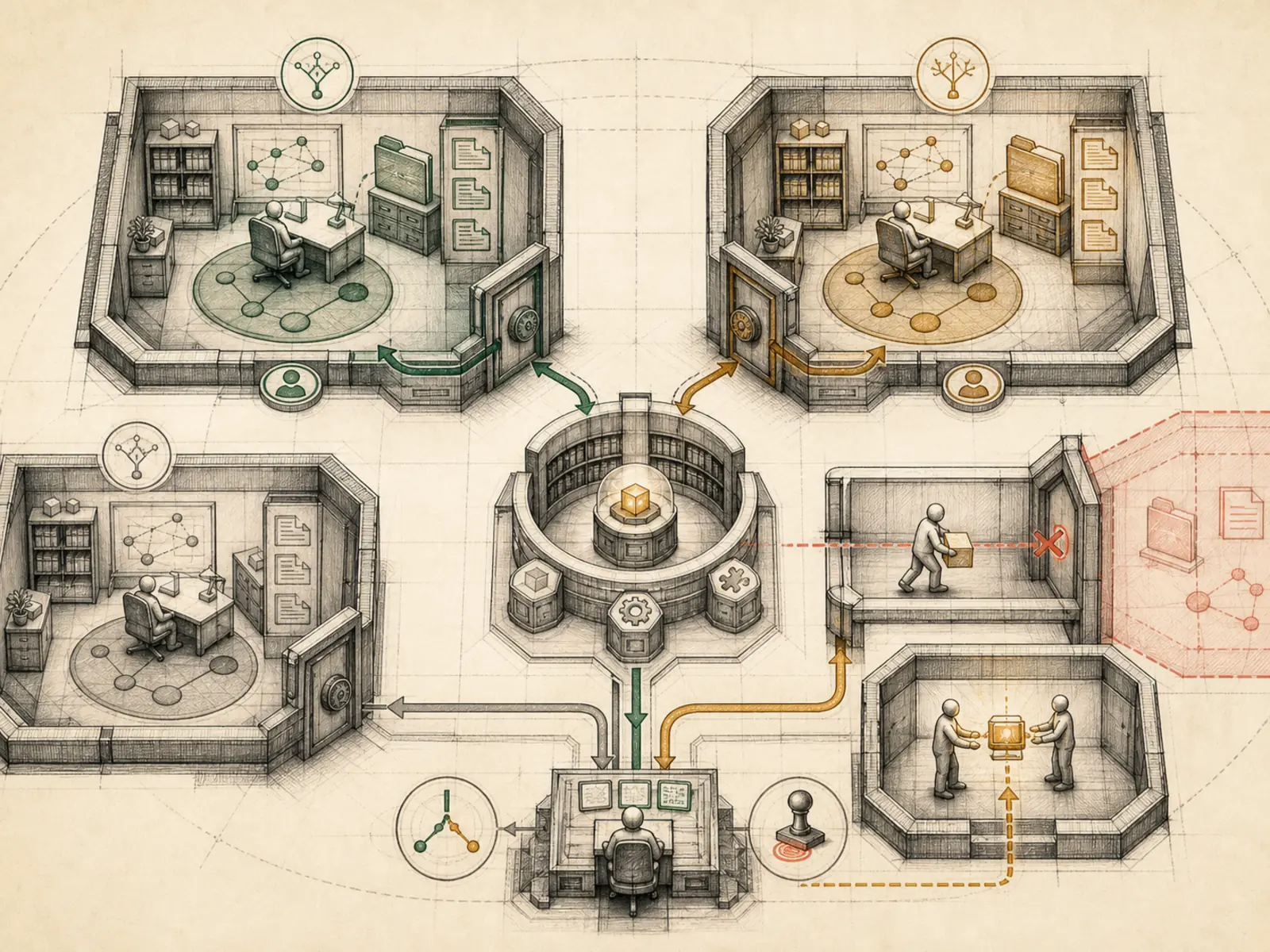
Picture two moving crews unloading into a pair of look-alike houses on the same street: if a crew just remembers ‘wherever we dropped off last’ instead of checking the current job ticket, boxes end up in the wrong home. Hermes keeps a ticket for every active session, so a file write lands inside the project actually being worked on right now, not whichever project a shared terminal happened to visit last.
Why it matters
A file write in one project’s session should never land in another project’s directory, and a client’s data should never leak into an unrelated context — project isolation enforces that through sessions and scoped file access rather than leaving it to careful prompting. It matters more as the number of active projects on one Hermes install grows; without it, cost control and approval boundaries alone would still leave real risk of cross-contamination between contexts that were never supposed to touch. It’s usually one of the first things a VPS operator running multiple concurrent projects has to get right.
How it works
Every relative file path gets anchored to a per-task workspace root rather than the Python process’s own directory (tools/file_tools.py): Hermes checks the live terminal’s current directory first, then a registered session override, then a recorded worktree path, only falling back to the process cwd as a last resort. If a write would still resolve outside that root, Hermes still performs the write, but attaches a warning naming the absolute path it actually wrote to, so the divergence shows up in the tool result instead of passing unnoticed. A second guard (agent/file_safety.py) classifies writes into another Hermes profile’s skills, plugins, cron jobs, or memories as cross-profile, and blocks the write outright, requiring an explicit cross_profile=True confirmation before letting it through, so one profile’s session can’t silently rewrite another’s configuration.
A concrete example
Two Hermes sessions run side by side from one gateway: one working in a git worktree for Client A, another in the main checkout for Client B. When the Client A session writes notes.md with a relative path, Hermes resolves it against Client A’s own registered workspace, not whatever directory the shared terminal last visited for Client B. If that resolution would still land outside Client A’s folder, Hermes still writes the file but attaches a warning naming the exact absolute path it wrote to, so the mismatch is visible instead of passing silently; if the write instead targets Client B’s cron or skills folder under a different Hermes profile, it gets blocked outright until confirmed with cross_profile=True.
How it connects
This note belongs to the Operations family. Its closest neighboring concepts are: Cost Control, Approval Boundaries, Agent Runtime, Personal OS.
Source evidence
vendor/hermes-agent/toolsets.py#<file>— Structural Source Map fallback for toolsets.py. A core source file in the Tool Registry and Toolsets structure within Tools, Toolsets, and MCP.
Workflows
- No first-pass workflow mapping yet; this concept still appears in the vault graph through articles and source evidence.
Related articles
- How to Use Hermes Better Than Most People: Architecture, Project Isolation, and Scalable Workflows