Profiles
What it is
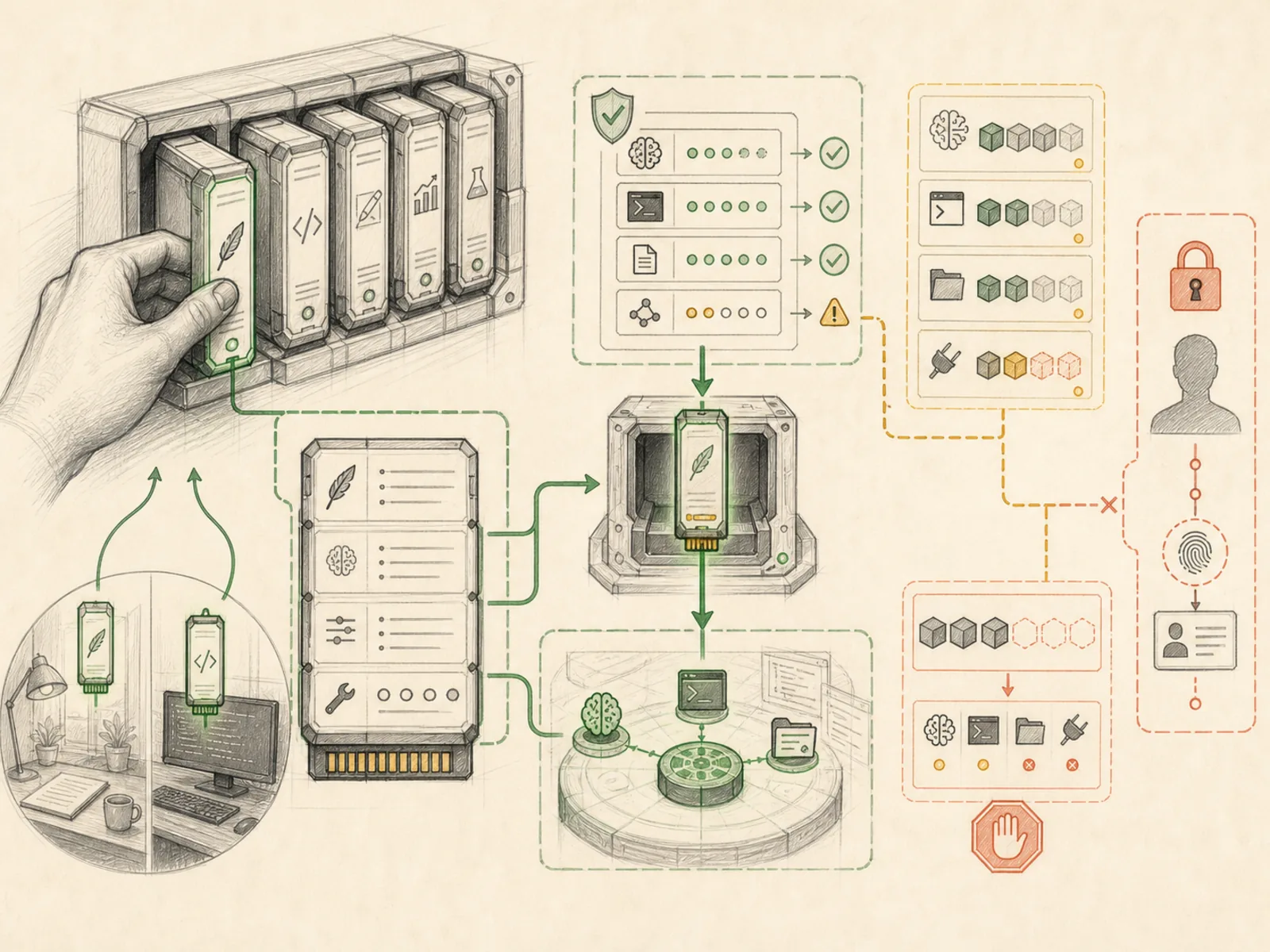
Reusable agent roles with their own instructions, model preferences, and tool conventions.
In plain terms
Picture a car with driver-profile buttons on the door: press ‘2’ instead of ‘1’ and the seat slides, the mirrors tilt, and the radio presets change to a completely different driver’s settings, even though it’s the same car underneath. A Hermes profile works the same way — swap profiles and the same install answers with a different personality, default model, and toolbox, without you setting any of that up twice.
Why it matters
A ‘research assistant’ profile and a ‘coding agent’ profile can behave meaningfully differently without duplicating setup work each time, because a profile bundles instructions, model preference, and tool conventions into one reusable role. That’s what makes running several distinct agent personas practical from a single Hermes install, rather than needing separate deployments for each. Profiles get managed through their own dashboard API routes, so switching or deleting one is a first-class operation, not a manual config edit.
How it works
Each profile is a self-contained home directory with its own config.yaml, SOUL.md instructions file, and skill set, created and managed through functions like create_profile, delete_profile, and rename_profile in hermes_cli/profiles.py. The dashboard exposes these as REST endpoints — POST /api/profiles to create one (optionally cloning another profile’s config and skills), DELETE /api/profiles/{name} to remove it, and PUT /api/profiles/{name}/model to set its default model and provider independently of any other profile (hermes_cli/web_server.py). A profile can also carry a short description used as a kanban routing signal, and one profile at a time is marked ‘active’ via set_active_profile, which is what new CLI invocations pick up by default.
A concrete example
Say someone runs one Hermes install for two separate roles: a ‘writer’ profile tuned to a cheaper model for drafting blog posts, and a ‘coder’ profile pointed at a stronger model with terminal and file-editing tools enabled. They create the coder profile by cloning the default one and picking a different model. They switch the active profile before starting a refactor task. Later, they open the writer profile’s SOUL.md from the dashboard to tweak its tone instructions — without touching the coder profile’s setup at all.
How it connects
This note belongs to the Interfaces family. Its closest neighboring concepts are: Discord, Sessions, Agent Runtime, Personal OS.
Source evidence
route:DELETE:/api/profiles/{name}— Explicit Source Map scope boundary: The web server route is outside the approved Core scope.
Workflows
- No first-pass workflow mapping yet; this concept still appears in the vault graph through articles and source evidence.
Related articles
- How to Use Hermes Better Than Most People: Architecture, Project Isolation, and Scalable Workflows
- Mastering Hermes Desktop: From Local Chat App to an Always-On Agent Control Center
- Ten Underused Hermes Features That Reveal Its Real Power
- Seven Cost-Aware Hermes Workflows That Go Beyond Chat
- The Ultimate Beginner’s Guide to Hermes: From First Installation to an AI Operations Team