Manual Triggering
What it is
The ability to run a scheduled or defined job on demand for testing.
In plain terms
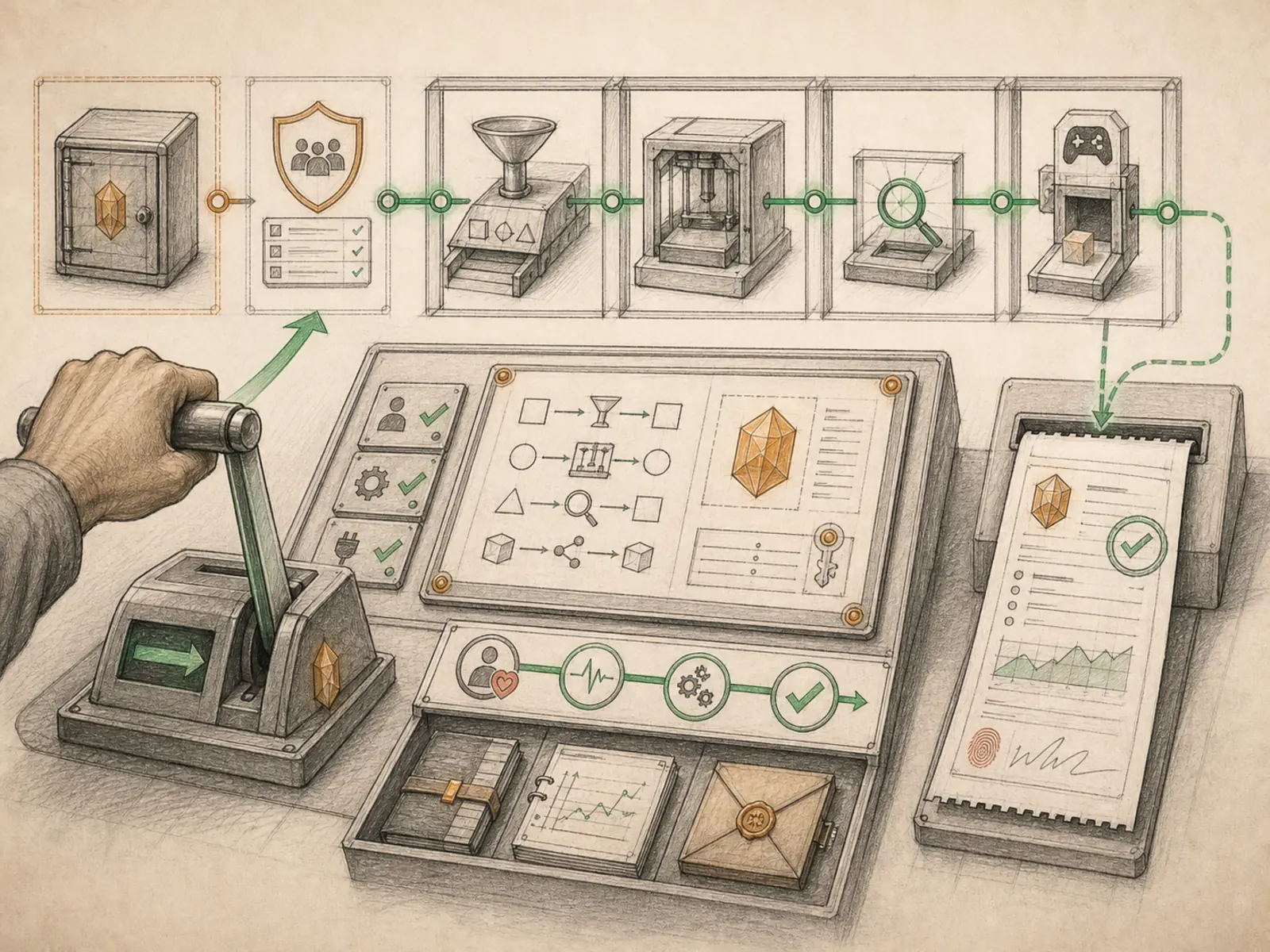
Maintenance staff can manually run an elevator between floors during a slow morning just to confirm the doors and brakes behave correctly, rather than waiting for the next passenger call to find out something’s wrong. Manual triggering gives a Hermes job that same test run: instead of waiting for its schedule or an external event to arrive on its own, you fire the exact same job right now and watch what it actually does.
Why it matters
Testing a scheduled or event-driven job without waiting for its real trigger to occur — run it now, see the output, confirm it behaves — is exactly what manual triggering exists for. It’s the practical bridge between authoring a cron job and actually trusting it to run unattended, since nobody wants to wait until 6am to discover a daily briefing job has a bug. It’s also useful operationally, letting a repo monitor or kanban execution job run out-of-band outside its normal cadence when something needs checking right away.
How it works
Calling the cronjob tool with action run, run_now, or trigger (tools/cronjob_tools.py) doesn’t just flag a job for the next tick — it executes immediately. Hermes first tries to atomically claim the job via claim_job_for_fire — the same compare-and-swap Hermes’s multi-machine external-scheduler fire path uses — which checks the job isn’t paused or disabled, stamps a fresh claim, and advances its next scheduled run time so a subsequent tick won’t pick the same fire back up. If the job is paused or disabled, the claim fails and the tool reports that plainly rather than pretending a run happened. Once claimed, execution is handed to run_one_job (cron/scheduler.py) — the identical execute-save-deliver-mark sequence the scheduled ticker uses — so a manual run behaves exactly like the real thing: same prompt, same delivery target, same recorded last_run_at and last_status afterward.
A concrete example
After creating a new monitoring job meant to post into a Discord channel, you’re not sure the delivery config is right. Instead of waiting for its 9am schedule, you call cronjob(action=‘run’, job_id=‘repo-watch’). Hermes claims the job, runs the exact prompt it would run on schedule, and attempts delivery through the same Discord settings. Nothing shows up, so you check the job’s last_delivery_error field, find a typo in the channel ID, fix it, and trigger the job again to confirm the message now arrives — before ever trusting the schedule.
How it connects
This note belongs to the Automation family. Its closest neighboring concepts are: Monitoring Jobs, Pause And Resume, Agent Runtime, Personal OS.
Source evidence
vendor/hermes-agent/toolsets.py#<file>— Structural Source Map fallback for toolsets.py. A core source file in the Tool Registry and Toolsets structure within Tools, Toolsets, and MCP.
Workflows
- Repository Monitor
- Kanban Agent Execution
Related articles
- Scheduling Hermes: How to Build, Inspect, and Control Automated Cron Jobs