Live Preview
What it is
A feedback surface for inspecting generated websites, documents, or structured outputs.
In plain terms
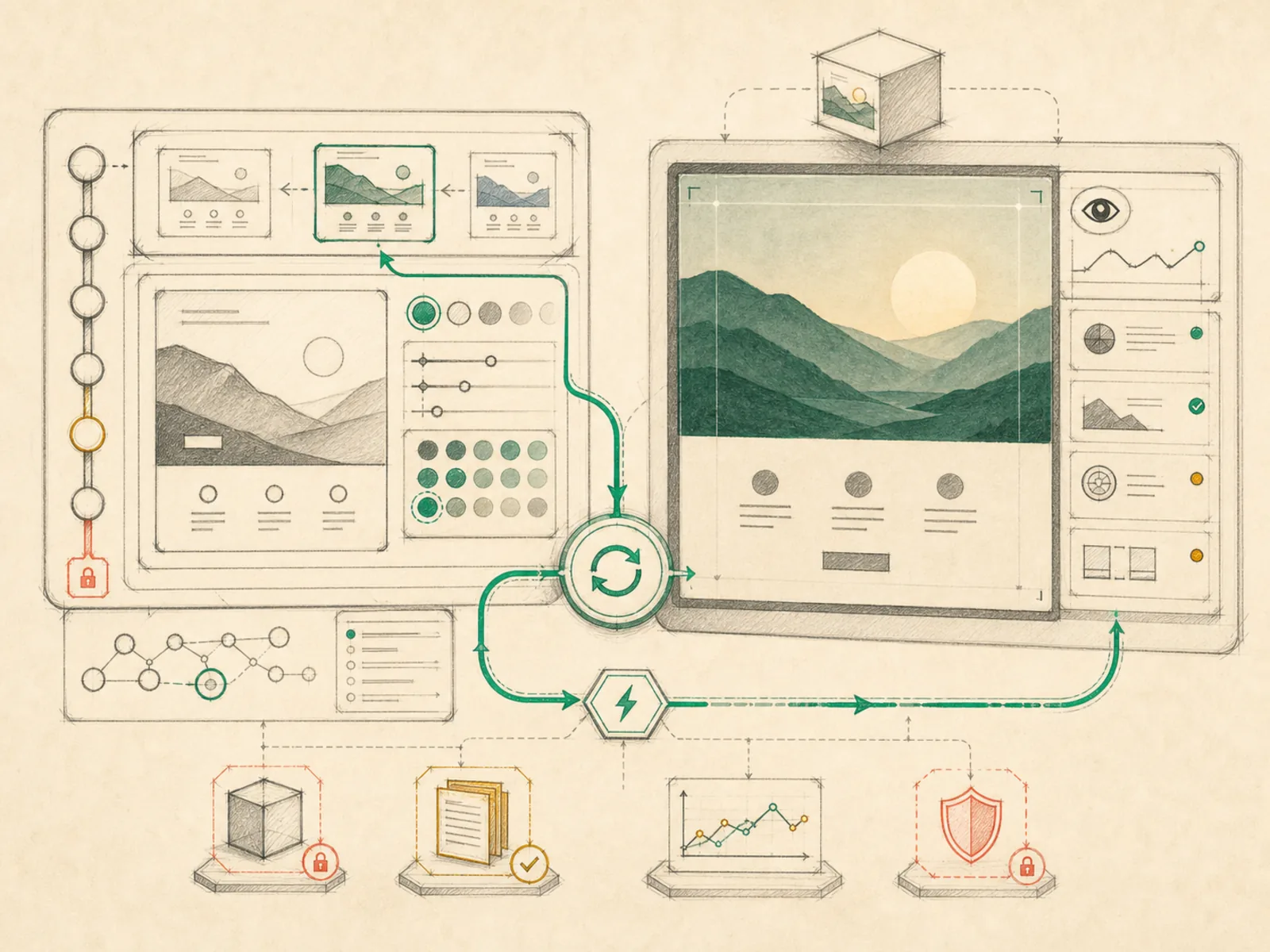
Watching bread rise through an oven’s glass door beats waiting until the end and opening it blind. Live preview is Hermes’ glass door: a pane that shows a generated website, document, or image as it actually renders, updating on its own as the underlying file changes instead of requiring someone to reopen it by hand.
Why it matters
Rendering the actual output — a website, a document, structured data — instead of leaving a user to infer what a generated file looks like from raw contents is what live preview closes the loop on. This is especially useful when a subagent is building something iteratively, since seeing the in-progress result immediately beats opening the file manually after every change. It’s tightly coupled to artifacts: without an addressable generated output to point at, there’s nothing here to render.
How it works
A single active preview target lives in a nanostores atom ($previewTarget in apps/desktop/src/store/preview.ts), which records whether it’s an HTML file, an image, plain text, or a remote URL, and whether an HTML file should render as a live preview or as raw source. A preview only opens when a user deliberately clicks a preview link surfaced from a tool result — it never pops open on its own. Once open, it auto-refreshes without another click: a local file target is watched directly on disk and reloads on any change, while a remote dev-server URL target reloads when a background tool call reports a completed file edit for that session (apps/desktop/src/app/session/hooks/use-preview-routing.ts). For a running local dev server, the pane can also trigger a ‘preview.restart’ background task over the gateway and show its progress and completion status inline.
A concrete example
A small landing page is taking shape, and Hermes is iterating on the hero section’s colors across several turns. Hermes writes the HTML file and the tool result surfaces a preview link, which the user clicks to open the live preview pane. As Hermes edits the CSS in follow-up turns, each completed file change reloads the same pane automatically, so the new colors show up without the user reopening the file. If the page depends on a local dev server, the pane can restart that server in the background and report when it’s back up, all without leaving the pane.
How it connects
This note belongs to the Interfaces family. Its closest neighboring concepts are: Artifacts, Subagents, Agent Runtime, Personal OS.
Source evidence
web_server— Explicit Source Map scope boundary: hermes_cli/web_server.py is outside the approved Core scope.
Workflows
- No first-pass workflow mapping yet; this concept still appears in the vault graph through articles and source evidence.
Related articles
- Mastering Hermes Desktop: From Local Chat App to an Always-On Agent Control Center