Configurable Toolsets
What it is
Toolsets exposed for CLI or dashboard enablement and disablement.
In plain terms
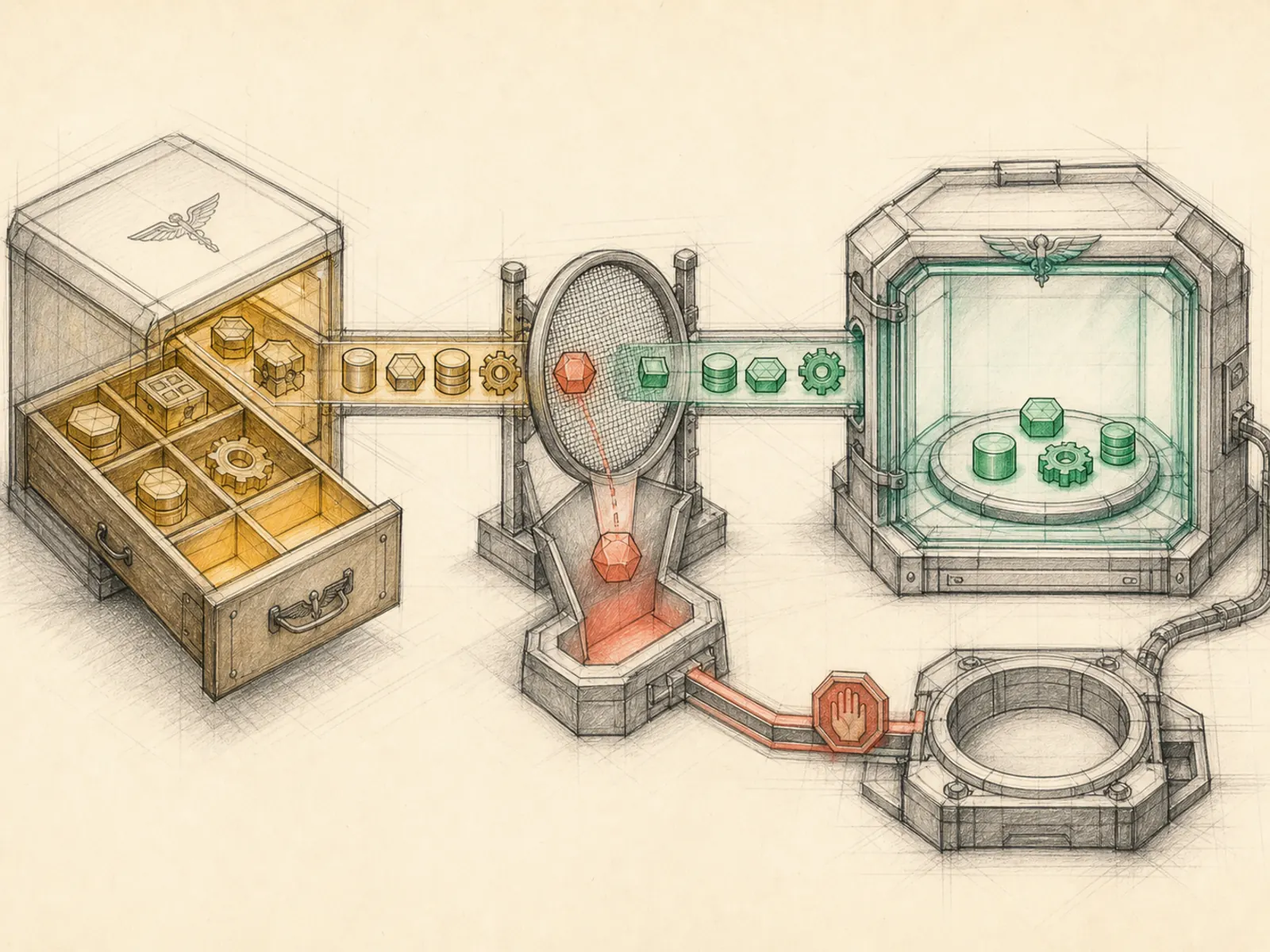
It’s like a car dealership’s build sheet versus the factory’s full parts catalog — the parts catalog (all 57 toolsets) stocks far more components than what’s actually printed on the sheet for a buyer to check off. Configurable toolsets are the build sheet: the roughly two dozen bundles Hermes actually lets a person turn on or off through the setup screen, each with a plain-language label and description.
Why it matters
Only 25 of Hermes’s 57 static toolsets are actually surfaced for CLI or dashboard enablement through hermes_cli/tools_config.py — the rest are structural bundles an operator never toggles directly. That’s the practical level cost control actually operates at: reasoning about capability in terms of these 25 configurable groups rather than the full internal toolset list. It’s also where platform-specific toolsets like WhatsApp or Discord get switched on only for the gateways actually in use.
How it works
CONFIGURABLE_TOOLSETS is a flat list of (key, label, description) tuples — browser, terminal, file, cronjob, and so on — that the CLI and dashboard render as toggles (hermes_cli/tools_config.py). Some entries are restricted to certain platforms (Discord admin tools only show up for the Discord platform), and a _DEFAULT_OFF_TOOLSETS set keeps niche or paid features like video generation and X search unchecked for new installs unless credentials are already detected. Choices are saved per platform under the platform_toolsets key in config.yaml, and _get_platform_tools() reconciles that saved list against composite defaults (like hermes-cli) so an explicit user choice always wins over an inferred one.
A concrete example
Someone runs hermes tools to set up their Slack bot.
- They see a checklist of roughly 25 named toolsets, not 57 — Home Assistant and Spotify start unchecked since they’re off by default.
- They enable Browser Automation and File Operations, leaving Video Generation off.
- Their choices save into config.yaml under Slack’s platform entry, and the next time the Slack agent runs, only those enabled toolsets appear in its schema.
How it connects
This note belongs to the Tools family. Its closest neighboring concepts are: Toolsets, Browser Tools, Agent Runtime, Personal OS.
Source evidence
vendor/hermes-agent/hermes_cli/tools_config.py#<file>— Structural Source Map fallback for hermes_cli/tools_config.py. A core source file in the MCP and Progressive Tool Discovery structure within Tools, Toolsets, and MCP.
Workflows
- No first-pass workflow mapping yet; this concept still appears in the vault graph through articles and source evidence.
Related articles
- No article currently mentions this concept by name/alias often enough to qualify (see mention-mining policy).