Session Search
What it is
The ability to recover earlier conversations, decisions, and artifacts.
In plain terms
Session search is like being able to reopen and search every past phone call a business ever had, instead of relying on whoever answered remembering the details. If a fact never made it into the tidy permanent notes, it’s often still sitting, word for word, inside some earlier conversation — this tool goes and finds it.
Why it matters
Plenty of useful detail never makes it into curated long-term memory but is still sitting somewhere in a past conversation — a decision, a generated artifact, a half-remembered specific — and session search is the way to go dig it back up on demand. It’s the practical fallback for exactly the cases where curation was too conservative to catch something worth keeping. In a VPS deployment running for months, re-reading old sessions manually stops being realistic long before this becomes necessary.
How it works
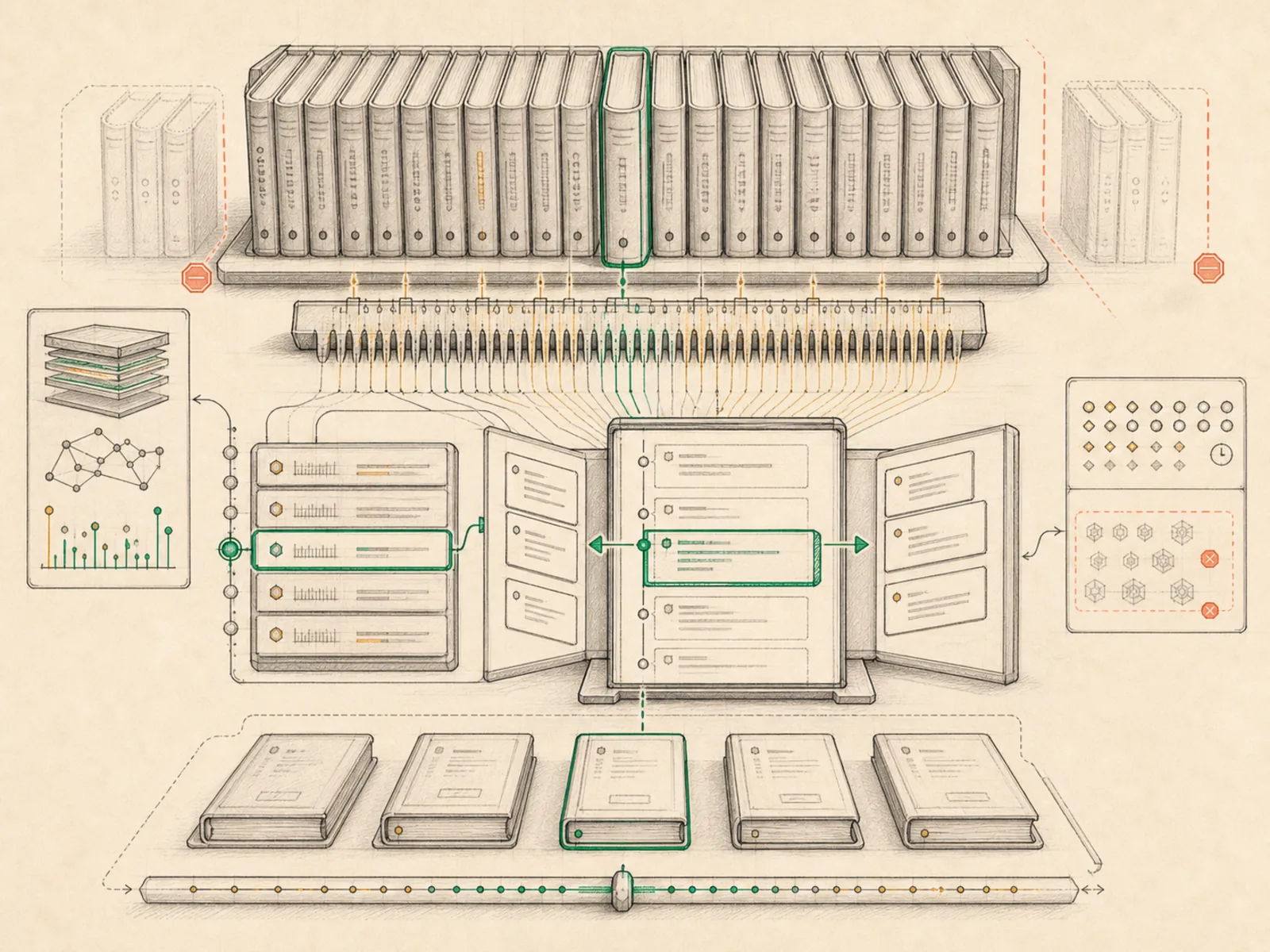
The session_search tool (tools/session_search_tool.py) runs against a local database of every past conversation, using FTS5 — a fast full-text search index — to find matching messages without any extra AI calls. It works in a few shapes: a plain search returns the top matching sessions, each with a short snippet, up to five messages either side of the match, and the first and last three messages of that session so the goal and outcome are visible at a glance; a scroll call re-centers on a specific message to pull a wider window; passing just a session ID with no search term dumps that whole conversation; and calling it with no arguments at all just lists recent sessions. Sessions from subagent delegations or third-party tool integrations are hidden from these results by default, and repetitive scheduled-job sessions are ranked lower so they don’t crowd out real conversations.
A concrete example
Three months into using Hermes, someone can’t remember which vendor they’d settled on for a logo redesign. Rather than re-reading old chats by hand, they ask Hermes to check: it runs a session search for “logo redesign vendor” and gets back the one session that mentions it, complete with surrounding messages and a snippet naming the vendor and price quoted. From there they ask Hermes to scroll further into that same session to see the final decision, and it re-centers the window on that later message and returns it directly — no manual scrolling required.
How it connects
This note belongs to the Memory family. Its closest neighboring concepts are: Long-Term Memory, Personal Wiki, Agent Runtime, Personal OS.
Source evidence
vendor/hermes-agent/tools/session_search_tool.py#<file>— Structural Source Map fallback for tools/session_search_tool.py. A core source file in the Session Database and Search structure within Memory and Session State.
Workflows
- No first-pass workflow mapping yet; this concept still appears in the vault graph through articles and source evidence.
Related articles
- Ten Underused Hermes Features That Reveal Its Real Power
- Inside Hermes: How the Agent Loop, Context, Memory, Gateways, and Cron Jobs Work Together