Local Models
What it is
Models hosted locally through tools such as LM Studio or Ollama-style servers.
In plain terms
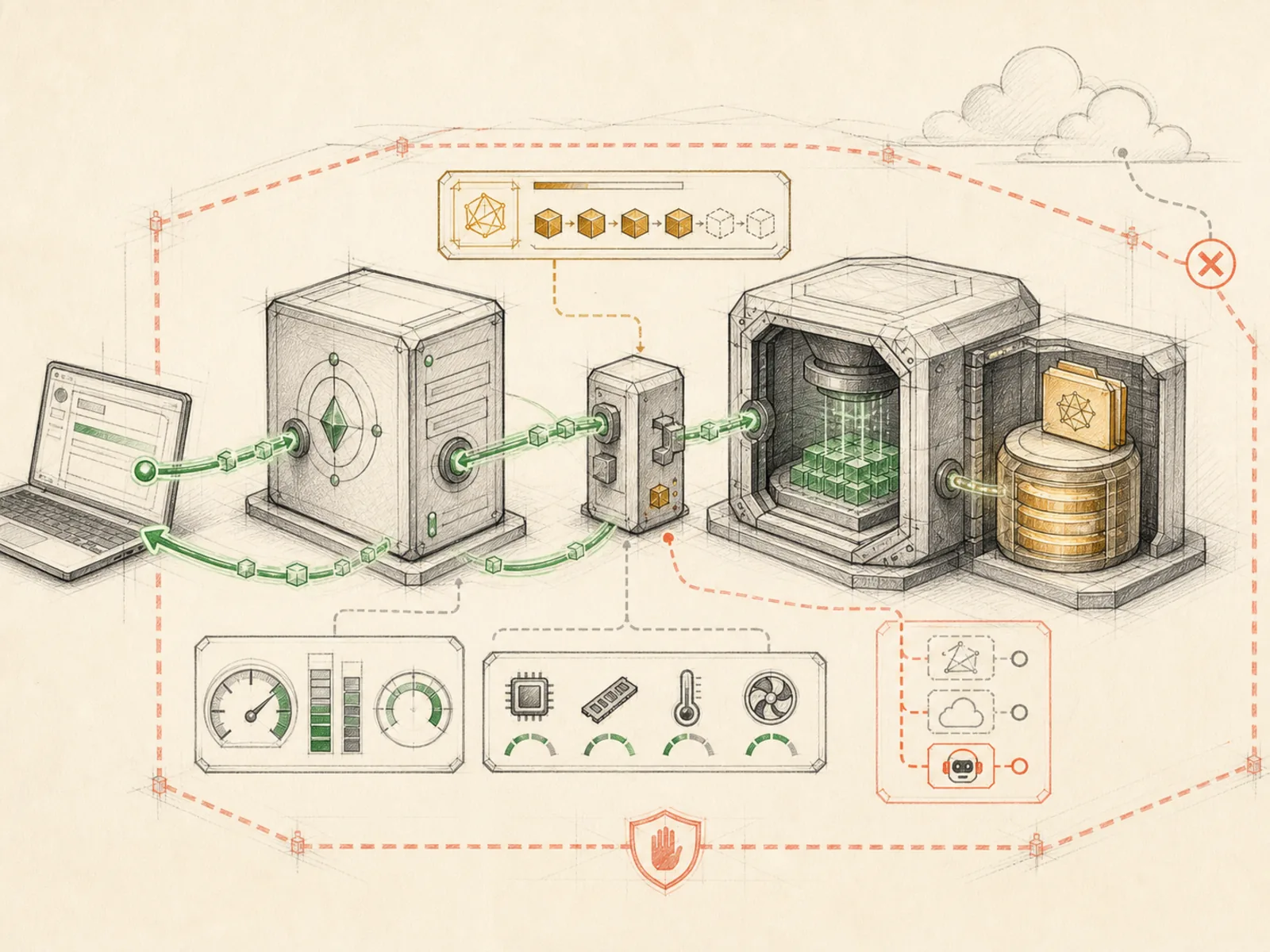
Running a local model is a bit like brewing your own coffee at home instead of walking to a café for one: it’s already in the kitchen, there’s no per-cup charge and no line to wait in, but the setup on your counter can’t quite match a café’s full range of blends. Local models let Hermes think without any request ever leaving your machine.
Why it matters
Served through something like LM Studio or an Ollama-style server, local models let Hermes run without sending prompts to a hosted provider at all, at the cost of the capability gap between a locally-runnable model and a frontier hosted one. This is the choice both cost-control and privacy push toward when the stakes justify it: no per-call billing, no data leaving the machine. Provider switching is what makes mixing local and hosted models per-task practical, rather than an all-or-nothing decision.
How it works
Hermes treats a locally-running model server the same way it treats any hosted API - through a provider alias. LM Studio has a built-in overlay that defaults to http://127.0.0.1:1234/v1 and reads an LM_BASE_URL override if you’ve moved the port (hermes_cli/providers.py). A bare ollama reference maps internally to the generic custom provider, while vllm and llama.cpp map to a local virtual provider - all three resolve through whatever endpoint you’ve set in your own config rather than a hosted catalog entry (hermes_cli/providers.py). The dedicated plugin behind that generic provider describes itself simply as a ‘Custom / Ollama / local OpenAI-compatible endpoint’ (plugins/model-providers/custom/plugin.yaml), since any server speaking the OpenAI chat-completions shape on localhost qualifies.
A concrete example
You install Ollama on your desktop and pull a small open-weight model overnight.
- You set the provider to
ollamain your Hermes config the next day. - Hermes resolves that alias to the local
customprovider pointing at your machine’s own port. - A batch of routine file-renaming requests gets answered entirely by the model on your desktop, with no request ever reaching an outside company’s server, and no per-call bill arriving afterward.
How it connects
This note belongs to the Operations family. Its closest neighboring concepts are: Model Providers, Provider Switching, Agent Runtime, Personal OS.
Source evidence
vendor/hermes-agent/run_agent.py:1892-1902#AIAgent._flush_messages_to_session_db— Verified Source Map evidence for AIAgent. AIAgent uses thin forwarding methods to delegate system-prompt construction toagent.system_prompt.build_system_prompt, API kwargs construction to the chat-completion helper, and streaming requests tointerruptible_streaming_api_call.
Workflows
- No first-pass workflow mapping yet; this concept still appears in the vault graph through articles and source evidence.
Related articles
- Building a Personal AI System with Hermes, Local Models, Automation, and a Shared Knowledge Base
- Mastering Hermes Desktop: From Local Chat App to an Always-On Agent Control Center
- Hermes Agent for Beginners: A Step-by-Step Route from Empty Server to Useful Automation