Six Hermes Use Cases for a More Intentional Personal Operating System
Goals, Kanban workflows, technical structure, a personal memory wiki, computer administration, and a daily priority ritual.
The most useful personal agent does more than answer questions. It helps the user decide what matters, turns goals into visible work, preserves lessons, and performs small administrative tasks without hiding what it is doing.
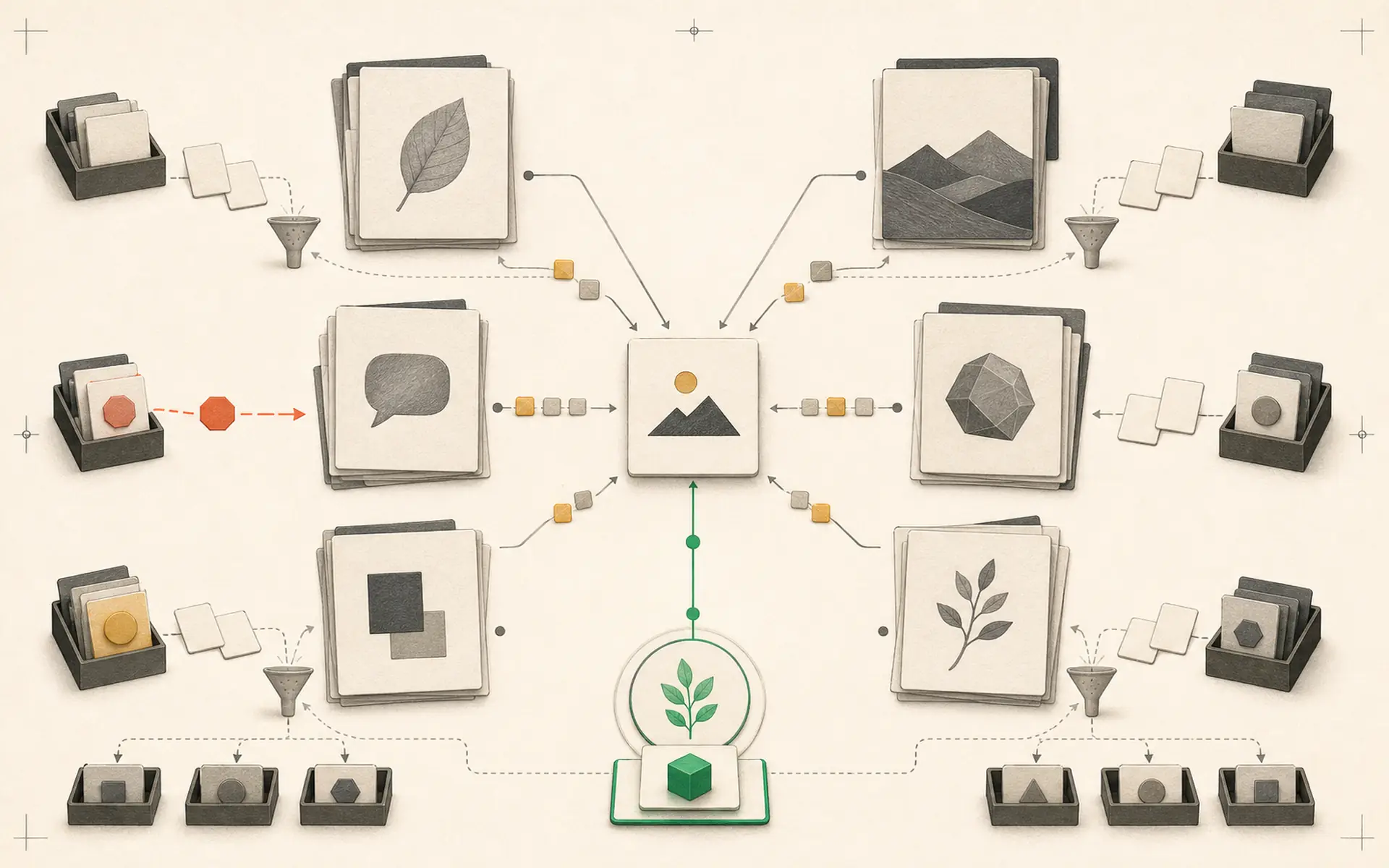
Six connected use cases can form that system. They begin with explicit goals, progress through a task board, and end with a daily routine that updates memory based on the user’s current priority.
1. Maintain explicit goals
An agent cannot optimize a life or business from vague conversation alone. Create a goals document that states the desired outcome, time horizon, current status, constraints, and next measurable milestone.
Hermes can review the document during planning and ask whether a new task supports an active goal. It can also identify conflicts—for example, a new project that consumes time needed for an existing priority.
Goals should be editable by the user and reviewed on a regular schedule. The agent may propose changes, but it should not quietly redefine what success means.
2. Use a Kanban board for visible execution
A Kanban board turns goals into tasks with clear states. A simple board can contain backlog, next, in progress, waiting, and done.
Hermes can create cards from approved plans, move tasks when evidence supports the transition, and attach artifacts. A task reaches done only when its acceptance condition is met—not merely when the agent says it has finished.
The board also exposes overload. If too many cards are in progress, Hermes can recommend finishing or pausing work rather than beginning another initiative.
3. Separate the technical layers
The system works best when responsibilities are clear:
- goals define direction;
- the Kanban board defines current work;
- memory preserves durable knowledge;
- skills define repeatable methods;
- tools provide external capabilities;
- schedules and webhooks create triggers;
- artifacts provide evidence of completion.
This separation prevents a long chat from becoming the only source of truth. It also makes the system replaceable: a new model can use the same goals, tasks, files, and skills.
4. Build a personal memory wiki
A memory wiki provides a human-readable view of what the user and Hermes have discussed and accomplished. It can contain topic pages and daily logs.
Topic pages summarize durable knowledge: projects, people, systems, interests, and recurring decisions. Daily logs record what was done, what changed, and what remains open. Each entry should link back to relevant artifacts or sessions when detail is needed.
The wiki should be generated from reviewed information, not from indiscriminate surveillance. Sensitive topics need access controls. Users should be able to correct and delete entries.
A practical prompt asks Hermes to create a site or local knowledge base listing subjects and daily work, with clickable pages that reveal the supporting detail. The implementation can remain simple; searchability and trustworthy organization matter more than visual effects.
5. Use Hermes as a computer administrator—with limits
With computer and system tools, Hermes can inspect disk usage, organize approved folders, check updates, run backups, and diagnose ordinary problems.
Begin in observation mode. The agent reports what it finds and proposes commands. Reversible maintenance actions can be enabled later. Deleting files, changing security settings, installing unknown software, or exposing services should require explicit approval.
Every administrative action should leave a log. A backup should be verified before cleanup. The agent must distinguish between files it created and files belonging to the user.
6. Start each day with one priority
A morning cron job can ask a simple question: “What is your number-one priority today?”
After the user answers, Hermes can propose a small set of tasks it can complete or prepare in support of that priority. The tasks move to the Kanban board, and the agent updates relevant memory only after confirming the user’s response.
This ritual keeps automation aligned with current intent. Without it, an agent may efficiently work on yesterday’s priorities.
At the end of the day, Hermes can summarize what was completed, identify blockers, and add a short daily-log entry. The next morning begins with evidence rather than a blank page.
Connect the six use cases
The complete loop is straightforward:
- Goals provide long-term direction.
- The morning question identifies today’s priority.
- Hermes proposes supporting tasks.
- Approved tasks appear on the Kanban board.
- Skills and tools complete bounded work.
- Artifacts prove completion.
- The memory wiki records important outcomes.
- The daily review updates tomorrow’s context.
This is more useful than asking an agent to “run my life.” Authority remains with the user, while Hermes provides organization, continuity, and execution support.
A four-week implementation plan
The system can be introduced gradually rather than as one large project.
Week one: goals and visibility
Write no more than three active goals and create the Kanban board. Move existing commitments onto the board and define what “done” means for each task. Use Hermes only to organize and summarize; do not automate computer actions yet.
Week two: memory wiki
Create the topic and daily-log structure. Ask Hermes to draft pages from reviewed conversations, then correct mistakes manually. Decide which subjects are too sensitive for automatic memory. Back up the wiki before connecting more tools.
Week three: daily priority loop
Add the 9 a.m. question and an end-of-day review. Keep the proposed task list small. Measure whether the ritual changes what gets finished rather than simply producing more messages.
Week four: one administrative capability
Choose one read-only computer task, such as checking backup status or disk space. Require a report and recommended action. Grant execution permission only after repeated correct diagnoses.
At the end of four weeks, remove parts that created noise. The remaining system should have demonstrated practical value before it receives broader authority.
Privacy and retention matter
A personal wiki can contain more sensitive information than a normal chat history because it brings many subjects together in one searchable location. Store it in a controlled directory, encrypt backups where appropriate, and limit which profiles or connectors can read it.
Daily logs should not become indiscriminate surveillance. Record decisions, outcomes, and useful context—not every message, location, or personal detail. Define how long raw inputs are retained after they are summarized.
When the agent suggests a memory update, the user should be able to approve, correct, or reject it. A personal operating system remains personal only if its owner controls what it remembers.
Keep the system honest
The memory wiki and task board should make the agent more transparent, not less. Ask for sources, links, timestamps, and status. Do not allow the agent to mark work complete without evidence.
Review memory changes and goal updates. Limit computer-administration permissions. Keep backups of the knowledge base. Pause daily routines that become noisy or performative.
The best personal operating system is not the one with the most automation. It is the one that repeatedly directs attention toward the user’s real priority and leaves a clear record of what happened.
Hands-on lab: Turn one daily priority into visible work
Outcome: A local morning brief is generated from one user-approved priority, then one accepted task is placed on a Kanban board.
Time: 15–20 minutes.
Risk: Low to medium. The scheduled brief uses model tokens, but the human explicitly creates the Kanban task after reviewing it.
Before you start
Create a private directory for the ritual and write one priority yourself. Do not ask Hermes to infer your priorities from unrelated messages.
mkdir -p "$HOME/hermes-personal-os/outputs"
cat > "$HOME/hermes-personal-os/today.md" <<'EOF'
# Today's approved priority
Publish the reviewed Hermes onboarding note.

# Constraints
- Work for no more than 45 minutes.
- Do not publish automatically.
- A human must approve the final draft.
EOF

hermes kanban init
Build it
Create a local-delivery cron job that reads the approved file and prepares a plan without changing memory or external systems.
hermes cron create "0 9 * * *" \
  "Read today.md. Write outputs/daily-plan.md with: the approved priority, no more than three proposed actions, one acceptance check per action, and a final human-approval checkpoint. Do not publish, edit memory, or create external tasks." \
  --workdir "$HOME/hermes-personal-os" \
  --name "daily-priority-plan" \
  --deliver local

hermes cron run daily-priority-plan
Wait for the manual run to finish, then review outputs/daily-plan.md. If the first action is acceptable, create exactly one visible task:
hermes kanban create "Prepare reviewed Hermes onboarding note" \
  --tenant personal-os \
  --body "Use outputs/daily-plan.md. Done means a local draft exists and a human has reviewed it. Do not publish automatically."
Verify it
test -s "$HOME/hermes-personal-os/outputs/daily-plan.md"
sed -n '1,100p' "$HOME/hermes-personal-os/outputs/daily-plan.md"
hermes kanban list --tenant personal-os
hermes cron pause daily-priority-plan
hermes cron list
Success means the plan contains no more than three actions, the board shows one task under personal-os, no content was published, and the final cron list shows daily-priority-plan as paused.
If it fails
- If the report is missing, check hermes cron status and inspect the cron output before recreating the job.
- If Kanban is unavailable, rerun hermes kanban init and then create the task again.
- If Hermes proposes unrelated work, simplify today.md and make the constraint or acceptance condition explicit.
- If the ritual becomes noise, pause daily-priority-plan rather than letting it continue unattended.
Safety, privacy, and cost
Keep the source priority user-authored. The scheduled run should prepare, not publish, delete, pay, or update durable memory. Personal goals and daily logs can be sensitive; store the directory with appropriate permissions and back it up deliberately. This lab deliberately leaves daily-priority-plan paused. Resume it with hermes cron resume daily-priority-plan only after you explicitly accept the recurring model cost and want a new plan every day. Review whether the brief changes decisions and pause it again if it does not.
Official references
Source video: 6 Hermes Agent use cases I promise will change your life, Alex Finn. Adapted and reorganized from the full transcript; sponsorship and promotional passages were removed.