工具集
這是什麼
把多項已註冊工具組成具名能力套件,並以遞迴包含關係解析最終可用工具清單的組合機制。
白話解釋
想像一個有標籤抽屜的工具箱:扳手放一個抽屜,螺絲起子放另一個,而不是讓所有工具散落地上。工具集把 Hermes 的個別能力分進 browser 或 terminal 等具名抽屜,讓設定代理的人只需處理少數能力群組,不必逐一管理數十項工具。
為什麼重要
57 個具名套件——包括 browser、kanban、terminal 等——會把個別註冊項目組成連貫能力,讓操作者不必逐一切換 69 項工具。其中只有 25 個套件可透過 CLI 或儀表板設定,其餘則是由較小群組組成的內部組合,或特定平台專用的分組。CRM 收件等商務工作流程會假設所需工具集已啟用,因此工作流程沒有明確報錯卻表現不佳時,通常應先檢查工具集設定。
運作方式
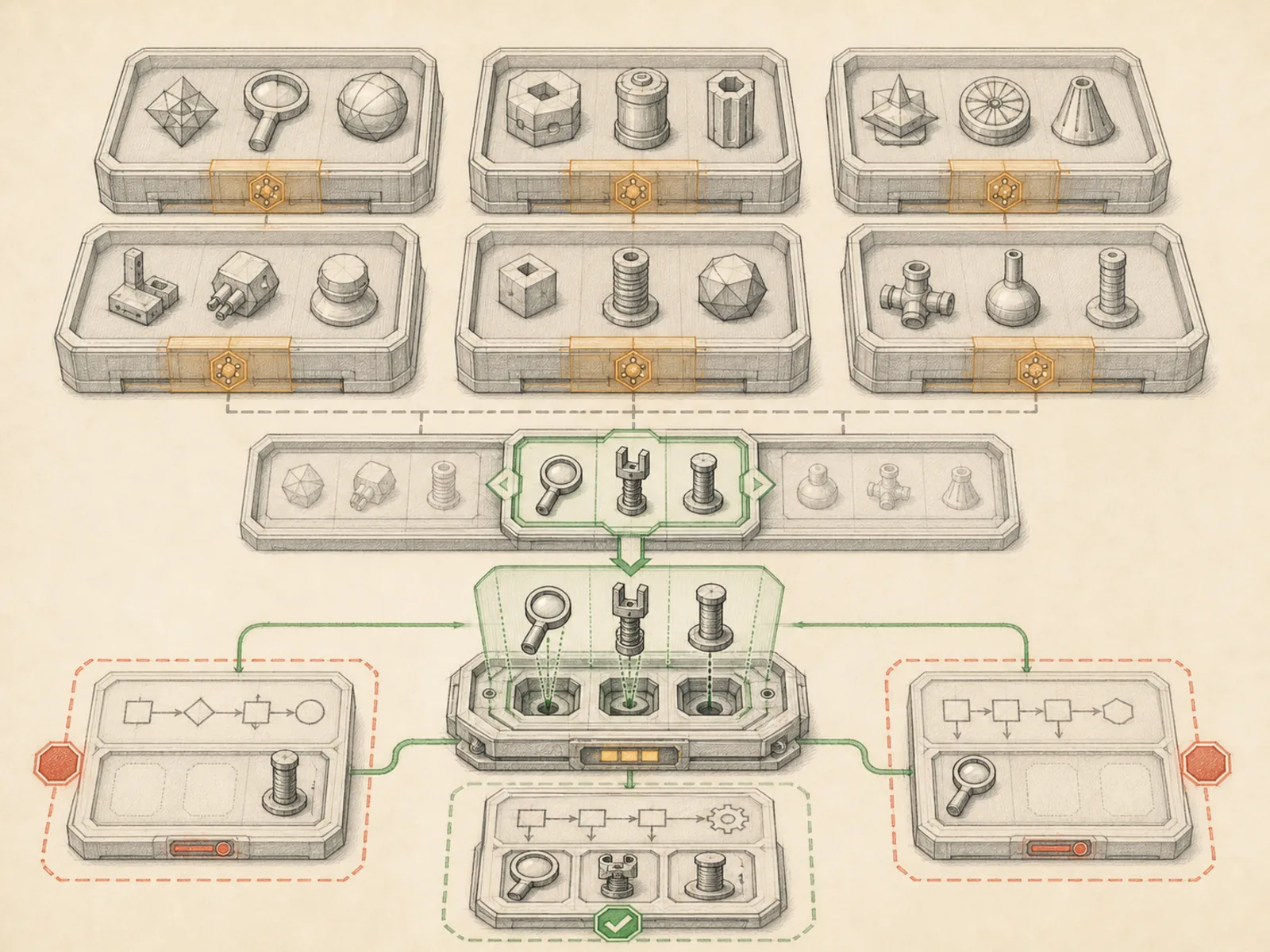
toolsets.py 的 TOOLSETS 字典中,每個項目會列出直接包含的 tools,以及組合進來的其他工具集 includes。resolve_toolset() 會遞迴走訪這張關係圖,以已造訪名稱避免循環引用造成無限迴圈,最後回傳套件實際提供的扁平工具名稱清單。共用的 _HERMES_CORE_TOOLS 清單會提供給所有 CLI 與訊息平台套件,讓一處修改即可同步更新;特殊的 coding 工具集則以 posture 旗標標記,會在程式碼工作區自動選用,不是讓使用者手動切換的項目。
具體範例
工作流程作者希望代理在偵錯失敗建置時,能搜尋網路、編輯檔案並執行命令列指令,便引用 debugging 工具集。它直接提供 terminal 與 process,其 includes 會自動加入 web 的搜尋與擷取工具,以及 file 的讀取、寫入、patch 與搜尋工具。resolve_toolset("debugging") 最後回傳合併後的扁平清單,作者不必逐項列出每個工具。
如何連結
「工具集」屬於「工具」系列。最直接相關的概念包括:「工具註冊表」、「可設定工具集」、「代理執行環境」、「個人作業系統」。這些連結描述教學關係,不取代來源證據。
來源證據
toolsets.py#<file>— 結構性來源;只確認來源檔關聯,不單獨證明特定呼叫順序。